Your Scenario, Automatically Turned Into a Visual Novel?
June 24, 2026
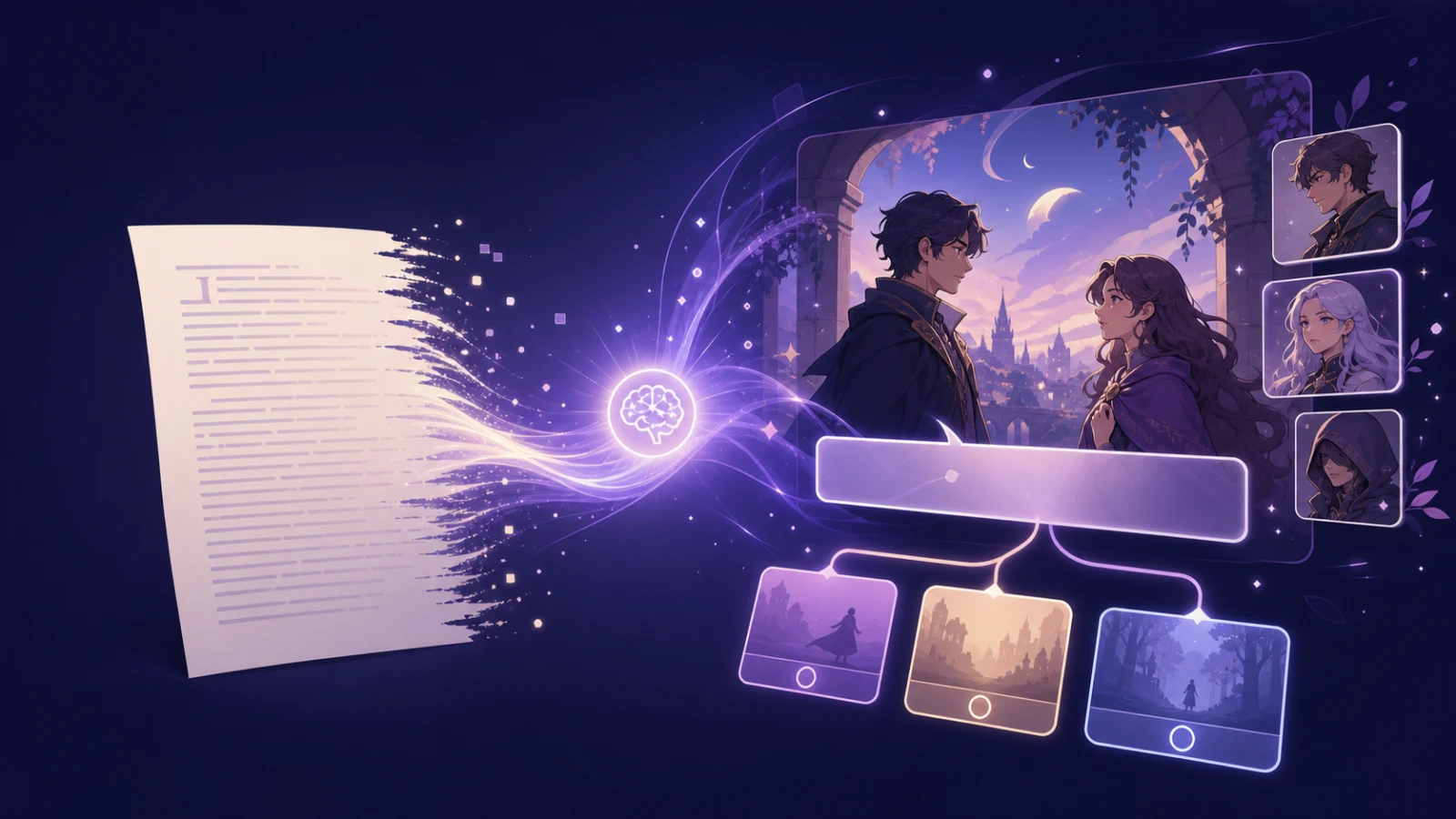
The story itself is already in your head — or sitting in some notes app — but the moment you try to move it into a visual novel, your hands just freeze, right? A story that flowed easily as plain prose suddenly stalls at, "Wait, who says this line? Does the scene change here? Where do the choices go?"
I think that's the single biggest first wall in making a visual novel. It's not that you're out of story — it's that turning the story you have into the form of "lines and scenes" takes more work than you'd expect.
So we just opened up AI Scenario Conversion. Paste in the scenario you wrote as plain text, and the AI lays out a first draft in visual-novel structure — who says which line, where scenes break. Today let's go through what it is, how to use it, and — honestly — how far the AI actually takes you.
✍️ What Is "AI Scenario Conversion"?
In plain terms, it's a feature that turns plain prose into the skeleton of a visual novel.
Here's an example. Say you have something written as prose: "On a rainy day, Jiho stood at the bus stop with no umbrella. Then someone held an umbrella over him. He looked up — it was Seoyeon, from his class…" Drop that straight into AI Scenario Conversion, and the AI reshapes it into visual-novel form. It splits up who's speaking, marks where a scene should change, and hands it back in a shape you can keep building right away.
The point is, you don't have to sit in front of a blank screen thinking, "okay, now let me split this into lines from zero…" Paste in the story you already have, and a first draft with some shape lands in your hands. Starting from there versus starting from a blank page — the mental weight is genuinely different.
🚀 How Do You Use It?
It's really simple.
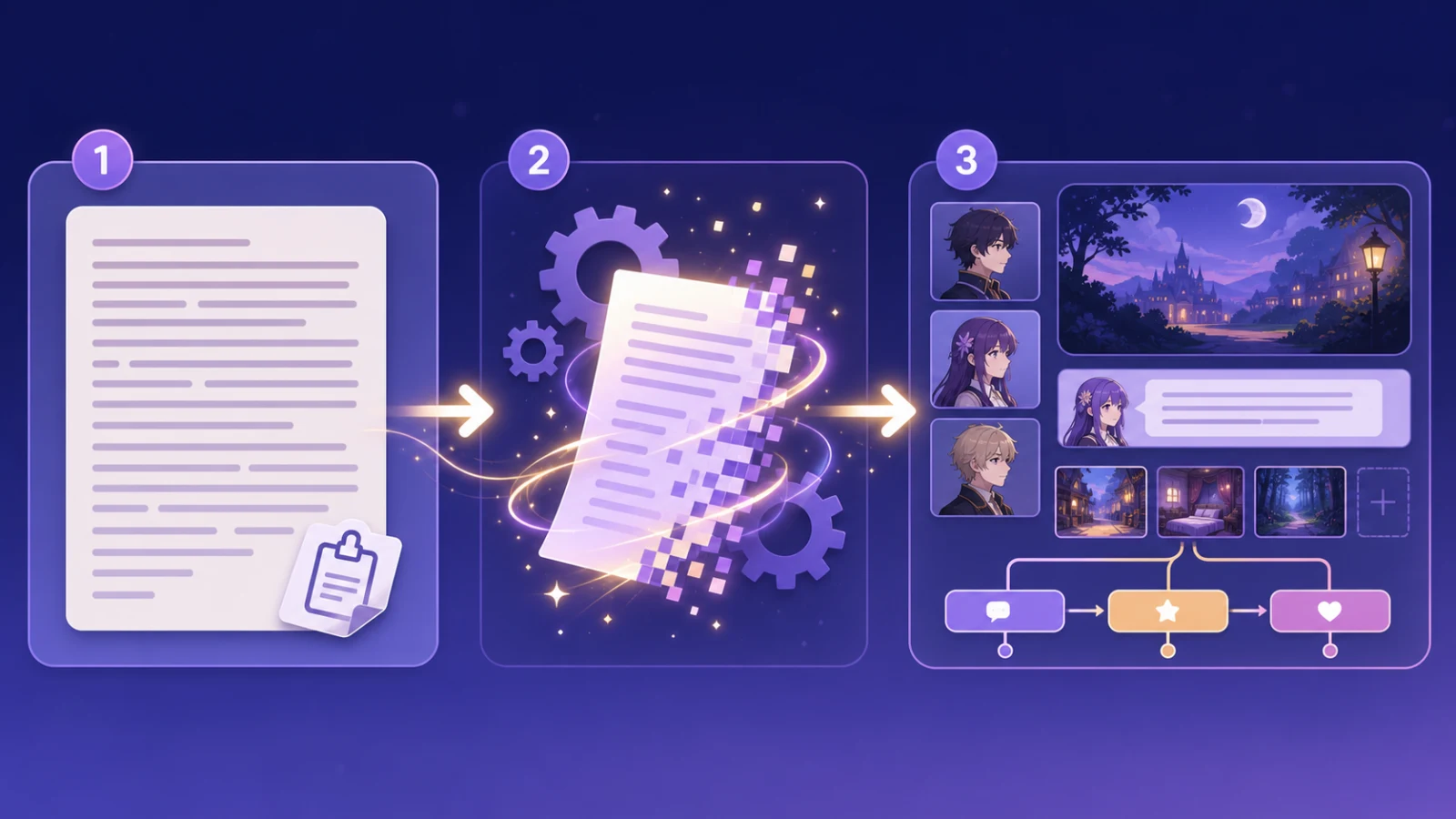
1️⃣ Paste your scenario — Open AI Scenario Conversion in the editor and paste in the story you've written. Prose like a short story, a quick synopsis, or dialogue-heavy notes — all fine. (You can drop in up to about 5,000 characters at a time.)
2️⃣ Hit convert — Press the button and the AI reads it, then rebuilds it into visual-novel structure, split into lines and scenes.
3️⃣ Refine it in the editor — The converted result drops straight into your workspace. From there, it's your turn — tweak the lines, attach characters, add choices, and shape it into your own work.
So AI Scenario Conversion doesn't finish it for you — it lets you skip the most daunting starting point. That heavy first step of going from zero to one, it takes off your shoulders.
📝 Almost Any Writing Works
"But my writing isn't that neatly organized — is that okay?" Don't worry. AI Scenario Conversion takes in quite a range of formats.
1️⃣ Prose like a short story — Even narration mixed with dialogue gets sorted: the AI figures out who's speaking and where the scenes sit.
2️⃣ A short synopsis — Even just "there's this character, and this event happens" is enough to get going.
3️⃣ Dialogue notes — Even a rough memo of characters trading lines gets tidied into visual-novel form.
So it's not a case of "you must first finish a polished scenario before you can start." Just get what's in your head down as text, and the AI helps with shaping it from there. That alone lowers the doorstep to starting by a lot.
🤖 So How Far Does the AI Take You?
Let me be honest here. AI Scenario Conversion is genuinely handy, but it doesn't write the work for you. What the AI gives back is a first draft, nothing more.
The texture of a line, a character's way of speaking, the emotion a scene carries — those only come alive once you, the author, work them over. Turning the AI's flat "Jiho: Hi." into "Jiho: …Oh. You're here. (looking away)" is something only a person can do. That subtle warmth is what gives a work its color.
So the best way to use the AI is as a good assistant that lightens the daunting start. Hand the tedious, repetitive shaping to the AI, and let the author focus on what they do best — breathing in emotion and detail. Used that way, AI Scenario Conversion really shows its strength.

🎨 When This Really Shines
Here are a few moments where this feature earns its keep.
1️⃣ When you have plenty of ideas but can't start — If your head is full of scenes but you can't write the first line, just pour it out as prose and hit convert. The moment it takes shape, it tends to flow more easily than you'd think.
2️⃣ When you want to move existing writing into a visual novel — Got an old short story or a practice piece lying around? You can bring it back to life as a visual novel — a new stage for a story you'd shelved.
3️⃣ When you want to draft fast and experiment — When you want to quickly feel out "what would this story be like as a visual novel?", convert it into a draft and get an instant sense of it.
What they share is this: they all make starting lighter. The heaviest part of creating is the first step. Just easing that is a real help.
🆓 Try It Without the Pressure
Since it's new, we made it easy to start.
On the free plan you can use AI Scenario Conversion once a day — plenty to see how your story takes shape as a visual novel. If you want to use it more often, you can keep going with paid credits.
So if there's a story sitting in your notes app, or just in your head, give it a paste today. That daunting start might lift more easily than you expected.
🎬 So, To Sum Up
If you had the story but kept freezing up at turning it into form, AI Scenario Conversion now helps with that first step. Paste in your prose, the skeleton of a visual novel takes shape, and you add the author's touch to make it your own. The AI helps you start; you paint the story's color all the way to the end.
Take that hardest part of creating — going from zero to one — and clear it lightly today. After that, the thing you do best is waiting for you. 🎬
June 24, 2026