What's the Best Free Interactive Story Maker in 2026—and When Should You Move On?
July 19, 2026

Have you ever opened a game engine because you wanted to make one tiny choice-based story—and closed it again when the tutorial started talking about scenes, objects, variables, builds, and packages?
Yeah. That is a wildly normal reaction.
Your first interactive story does not need a physics system, a combat loop, or a giant technology decision. It needs a beginning, one choice that changes something, and an ending you can actually reach. The good news is that several free tools can get you there. The slightly less convenient news is that they are free for different reasons, and they are good at very different stages.
So instead of pretending there is one universal “best” maker, let’s answer the more useful question: what are you trying to prove with this version of the story?
🌱 First, make the smallest story that can answer back
Before comparing tools, shrink the project.
Write one scene. Put one decision in the middle. Give that decision two noticeably different consequences. Then bring the paths back together for a short ending if you want to keep the scope friendly.
That is enough to learn the things that matter:
1️⃣ Does the choice feel clear? The reader should understand what kind of decision they are making, even if the outcome stays surprising.
2️⃣ Does either path feel worth choosing? If one option is obviously the “real” route and the other is filler, the story is technically branching but emotionally flat.
3️⃣ Can you finish and share it? A rough story someone can play teaches you more than a beautiful flowchart nobody can open.
This is why free tools are so valuable. They let you test the relationship between your writing and a reader’s decisions before you commit to a production pipeline.
🧶 Twine: the easiest place to prove the branch
For a first text-first prototype, Twine is still the obvious starting point. It is free and open source, a simple story does not require code, and it publishes to HTML. You write passages, connect them, open the result in a browser, and suddenly your draft answers back when somebody clicks.
Twine is especially good when your question is:
- “Is this choice interesting?”
- “Can readers follow this structure?”
- “Do these two endings feel different?”
It also has room to grow through variables, conditions, CSS, and JavaScript. That is both its strength and its warning label. Once you want polished character staging, reusable dialogue presentation, asset management, save behavior, and a visual-novel-like production workflow, you may spend more time building the surrounding system than writing the story.
Use Twine to prove the shape. Do not force it to become every kind of game just because it can be extended.
✍️ inklewriter: the gentlest way to write while playing
If even a node map feels like too much at first, inklewriter is wonderfully direct. Its whole appeal is that you write the story, add choices, follow a branch, and then link paths back together. It keeps the author close to the prose instead of making the project feel like software architecture.
That makes it a good fit for classrooms, workshop drafts, short fiction experiments, or writers who need to hear the voice of the story before thinking about a production tool.
Its limit is also clear: it is primarily a writing environment. If your idea depends on a character entering the frame, a background changing with mood, music arriving on a beat, or a route being tested like a game, you are already asking for more than a prose-first prototype.
🧠 Ink and Yarn Spinner: when the story needs real logic
Ink and Yarn Spinner are different from beginner-friendly visual makers. They are free, powerful narrative scripting tools for people who are comfortable treating story structure as something closer to code.
Choose this family when your narrative needs state: a line changes because the player remembered an object, a character reacts differently after three earlier decisions, or dialogue must plug into a larger Unity, Godot, or Unreal project.
They are excellent when you already have—or genuinely want—a broader game-development pipeline. But if your actual goal is “I want my illustrated story to be playable this weekend,” installing an engine and wiring narrative scripts into a game project may be a detour, not progress.
Free is not the same as easy. A tool can cost nothing and still ask for a lot of setup, technical comfort, and maintenance.

🗺️ Arcweave and similar planners: when the map is the product—for now
Collaborative flow tools such as Arcweave are useful when several people need to see the same dialogue tree, quest structure, or training scenario. They help a team discuss the map before the map becomes a finished experience.
That “before” matters. A narrative design workspace can be brilliant for planning and still leave you with another production step. Ask what you need at the end of this week: a structure your team can review, or a story a reader can actually play with characters, backgrounds, audio, and a presentation layer?
If the map is the deliverable, stay with the planning tool. If the playable experience is the deliverable, count the handoff cost too.
🎭 When have you outgrown a free prototype tool?
You do not need to migrate because a project has ten passages instead of nine. Move when the kind of work changes.
Here are the clearest signals:
1️⃣ You are rebuilding presentation. Every new scene needs custom layout, portrait placement, transitions, audio timing, or interface code.
2️⃣ You cannot see the production state. The branch works, but you keep losing track of which scenes have backgrounds, which dialogue is edited, and which paths have actually been tested.
3️⃣ Writers and visual collaborators are stepping on each other. Story logic, assets, and presentation live in separate places with no obvious shared truth.
4️⃣ Sharing the prototype is becoming a release process. Every change requires exporting, hosting, packaging, or asking a technical teammate for help.
5️⃣ The story now wants to be a visual novel. Character entrances, backgrounds, sound, pacing, choices, and replay are no longer decoration. They are the experience.
At that point, moving is not an admission that the free tool failed. It did its job. It helped you prove the story before production became expensive.
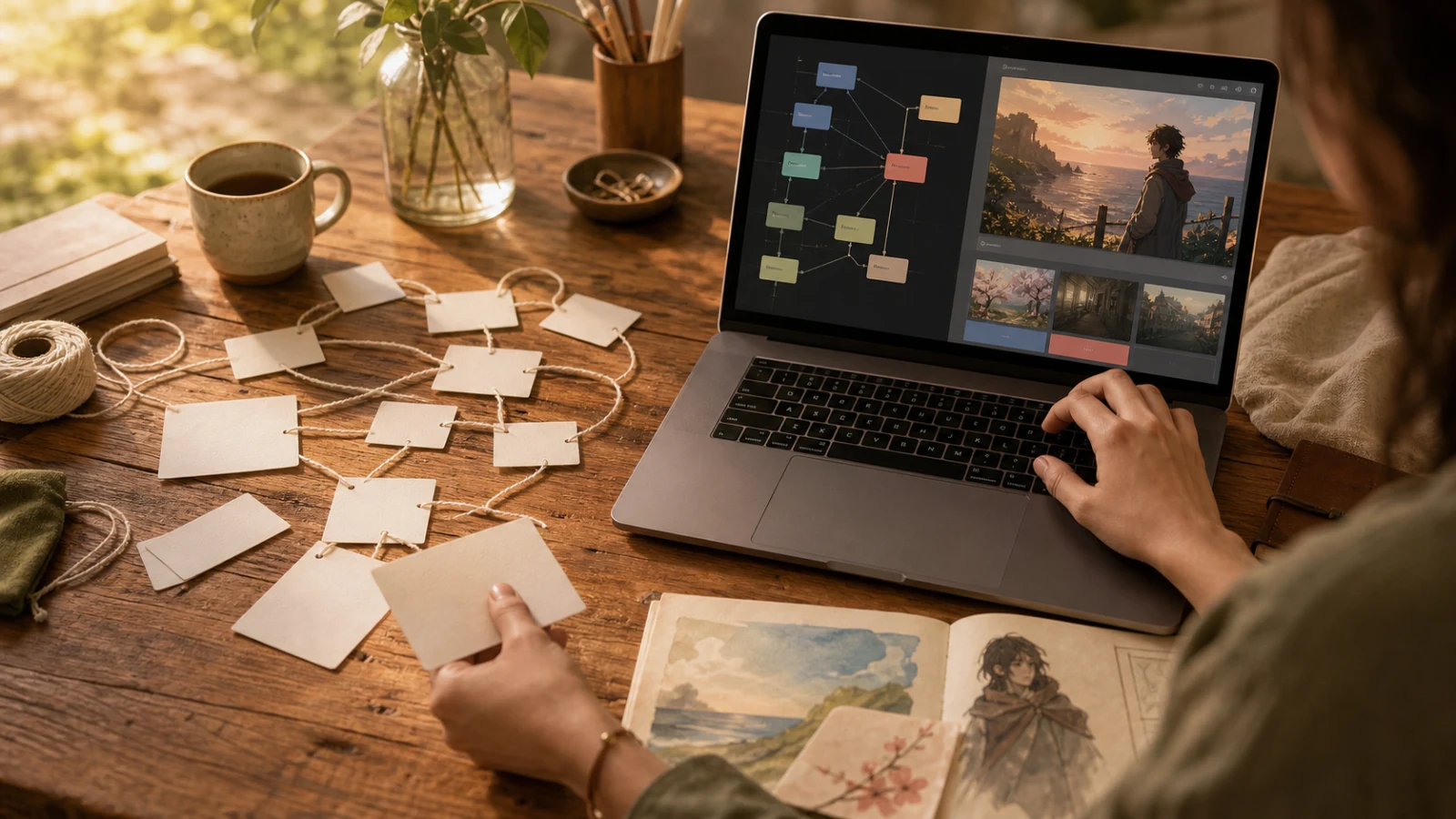
🌿 Where Novelez fits in that progression
Novelez makes the most sense after the idea has survived the tiny prototype—or when you already know the story needs visual-novel presentation from day one.
It runs in the browser and brings the story structure, scene timeline, visual node flow, assets, choices, and player preview into one creation space.
The practical difference is that you are no longer assembling a story prototype and a presentation system separately. You can place assets, shape a scene, see branches, and immediately play the result in the browser. You can share through the web/gallery flow, and a Ren’Py export path is available when you later want to take the work toward a desktop build. Native one-click PC or mobile publishing is not something to assume today.
The beta is free to start. Advanced features such as Ren’Py export are currently available free once per day, but that policy can change, so think of it as a good time to test the workflow rather than a forever pricing promise.
🤔 So which one should you choose?
Here is the short version:
- Choose Twine when you want to prove a branching idea quickly and text is enough.
- Choose inklewriter when staying close to prose matters more than building a system.
- Choose Ink or Yarn Spinner when narrative logic must live inside a larger game and scripting does not scare you.
- Choose a collaborative flow planner when the immediate deliverable is the map itself.
- Choose Novelez when the story needs characters, scenes, assets, choices, browser play, and a visual production workflow without starting from code.
The best free interactive story maker is not the one with the longest feature list. It is the smallest tool that can answer your current creative question—and the easiest one to leave when your question changes.
Start with one scene and one meaningful choice. Let somebody play it. Then listen to what the story asks for next. 🎬
July 19, 2026