Should You Check a Novelez Mac Build's Certificate Before 2027?
October 6, 2026
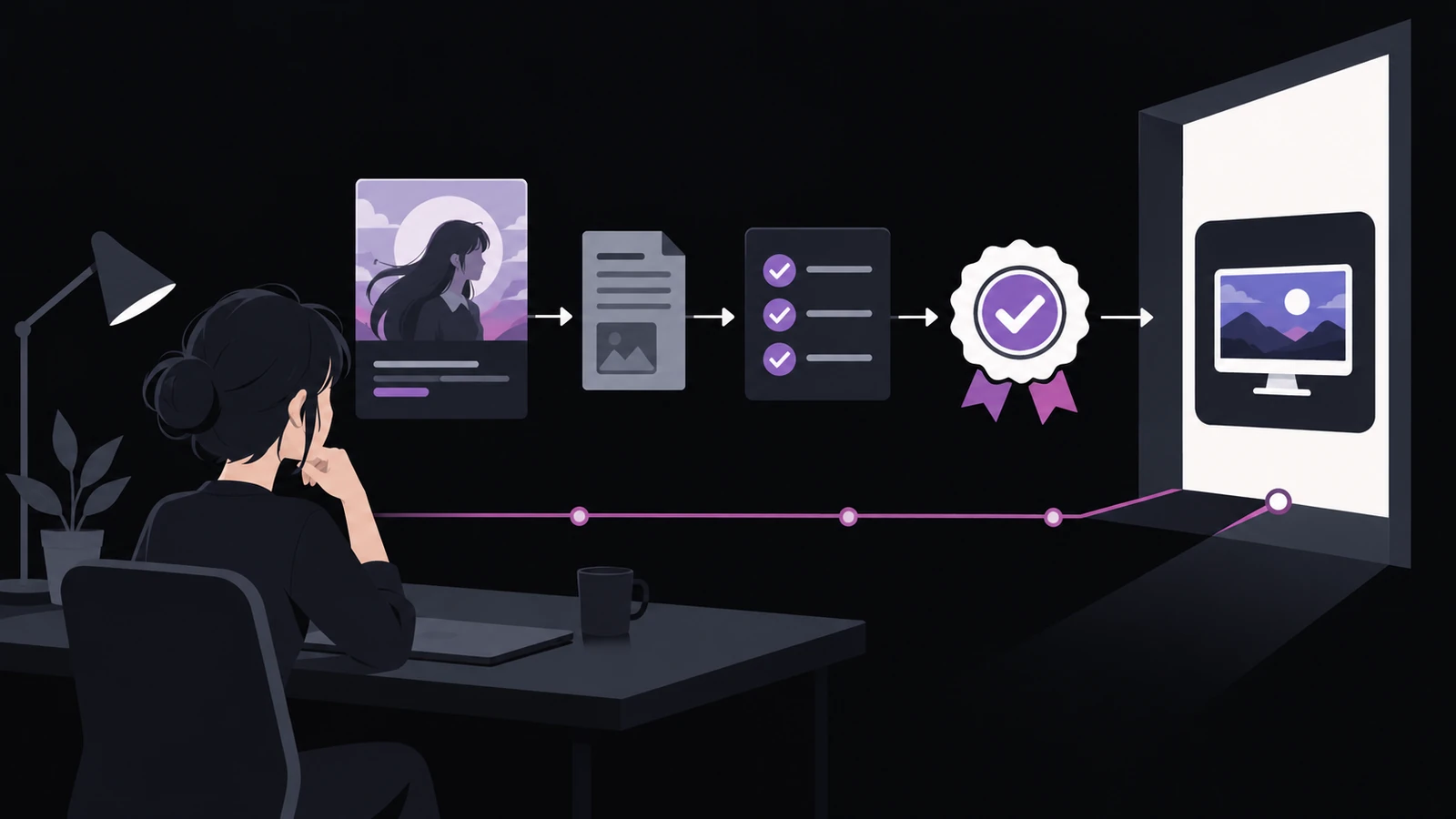
If you export a visual novel from Novelez to Ren'Py and prepare a Mac release, there is one distribution check worth completing before February 1, 2027. Apple announced on October 1, 2026 that its original Developer ID intermediate certificate authority will expire on that date. Certificates issued through that authority will no longer be usable for new signing, and affected installer packages may stop installing unless they are signed again.
This does not mean every Mac app you have already shipped needs to be rebuilt. Apple says previously signed and notarized Mac software with a secure timestamp will continue to work. Installer packages and future updates need separate treatment. The useful first move is to identify what you actually distribute, then inspect the issuer of your signing certificate instead of relying on its display name.
What exactly did you ship?
Novelez is where you structure, edit, and preview the story. A Mac deliverable comes later: export the project to Ren'Py, open it with the Ren'Py SDK, and use the engine's distribution tools. The source project, a Mac app, an installer package, and a store upload are not interchangeable artifacts.

Ren'Py's standard Macintosh distribution is a compressed file containing a Mac application. A direct-download release may also use a disk image or a separate installer package. A bundle prepared for Steam or itch.io goes through that store's own upload and delivery process, so do not assume it has the same signing path as a file you host yourself.
Make a short inventory before touching any certificate:
- The Ren'Py source project you will continue editing
- The Mac app archive or disk image readers download directly
- Any
.pkginstaller you created separately - A store-specific upload bundle
The clearest risk in Apple's notice concerns .pkg files. Apple says packages signed with a certificate from the original authority will no longer install starting February 1, 2027 and must be signed again with a new certificate. An app that is already installed and a package that someone will install next year are different cases.
Why isn't the expiration date enough?
In the developer portal, a Developer ID certificate expiring on or before February 1, 2027 is likely to be affected. The date alone does not prove which authority issued it. A team can hold certificates with identical names from both the original authority and the current one.
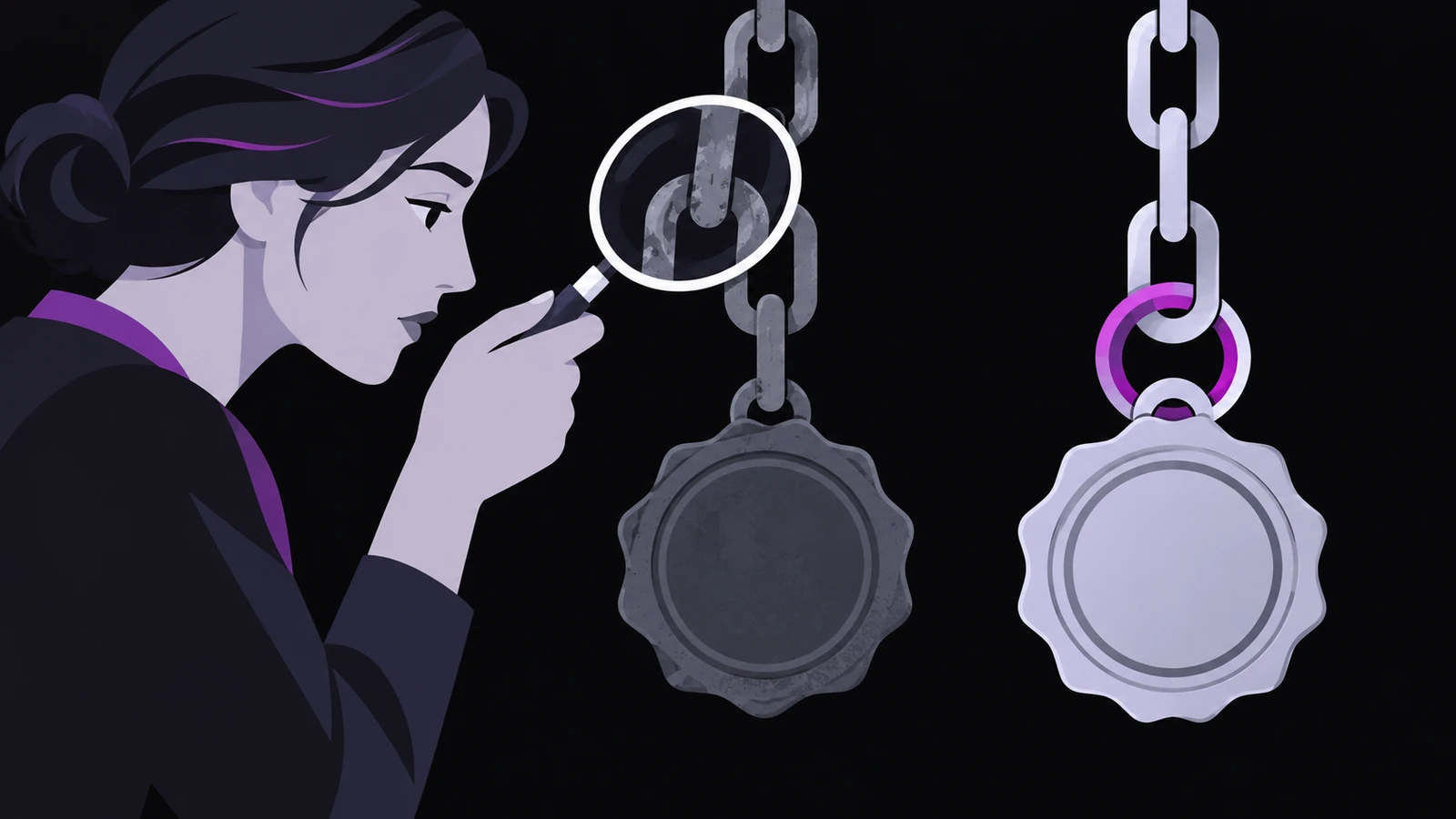
The reliable clue is the issuer information on your own signing certificate. In Keychain Access, open the certificate you use and inspect the Organizational Unit inside Issuer Name. Apple Certification Authority identifies a certificate from the original authority and should be replaced. G2 identifies the current authority and needs no replacement for this event.
Be careful not to inspect the certificate authority entry itself. Apple's help page specifically points to your Developer ID Application or Developer ID Installer certificate. The authority entry has a similar name and can lead you to the wrong conclusion.
Application and Installer certificates also serve different jobs. Developer ID Application signs a Mac app. Developer ID Installer signs an installer package. If you use both, replacing one does not replace the other. Review and create them separately.
When can an existing app remain as it is?
Apple says a Mac app signed through the original authority can keep working when it was notarized and includes a secure timestamp. There is no reason to replace every old download based on the calendar alone. Check the signature and notarization state of the actual file first.
An older app with an unknown notarization state deserves a closer review. Notarization is not App Store review. Apple's automated service scans the submission for malicious components and code-signing problems, then issues a ticket. That ticket can be attached to the distributed file, and Gatekeeper can also find it online.
Future updates and newly signed apps should use a certificate from the current authority. Apple labels that authority G2 and tells developers to choose G2 Sub-CA when creating a replacement. If the development machine still uses an old Xcode release, update it before requesting the new certificate.
What is a safe replacement sequence?
Treat obtaining a certificate and replacing a public download as two separate changes. If you overwrite the current release first, it becomes harder to compare which certificate signed each artifact.
- Preserve the currently published Mac files and record each artifact type.
- Check the issuer for both Application and Installer certificates in the developer account and Keychain Access.
- Create a G2 replacement only for each affected certificate type.
- Sign the next app build with the replacement and include a secure timestamp.
- Submit it to Apple's notary service and attach the returned ticket to the deliverable.
- If you ship a
.pkg, sign it again with the replacement Installer certificate and test that installer separately. - Download the release into a fresh user environment and verify first launch and a second launch.
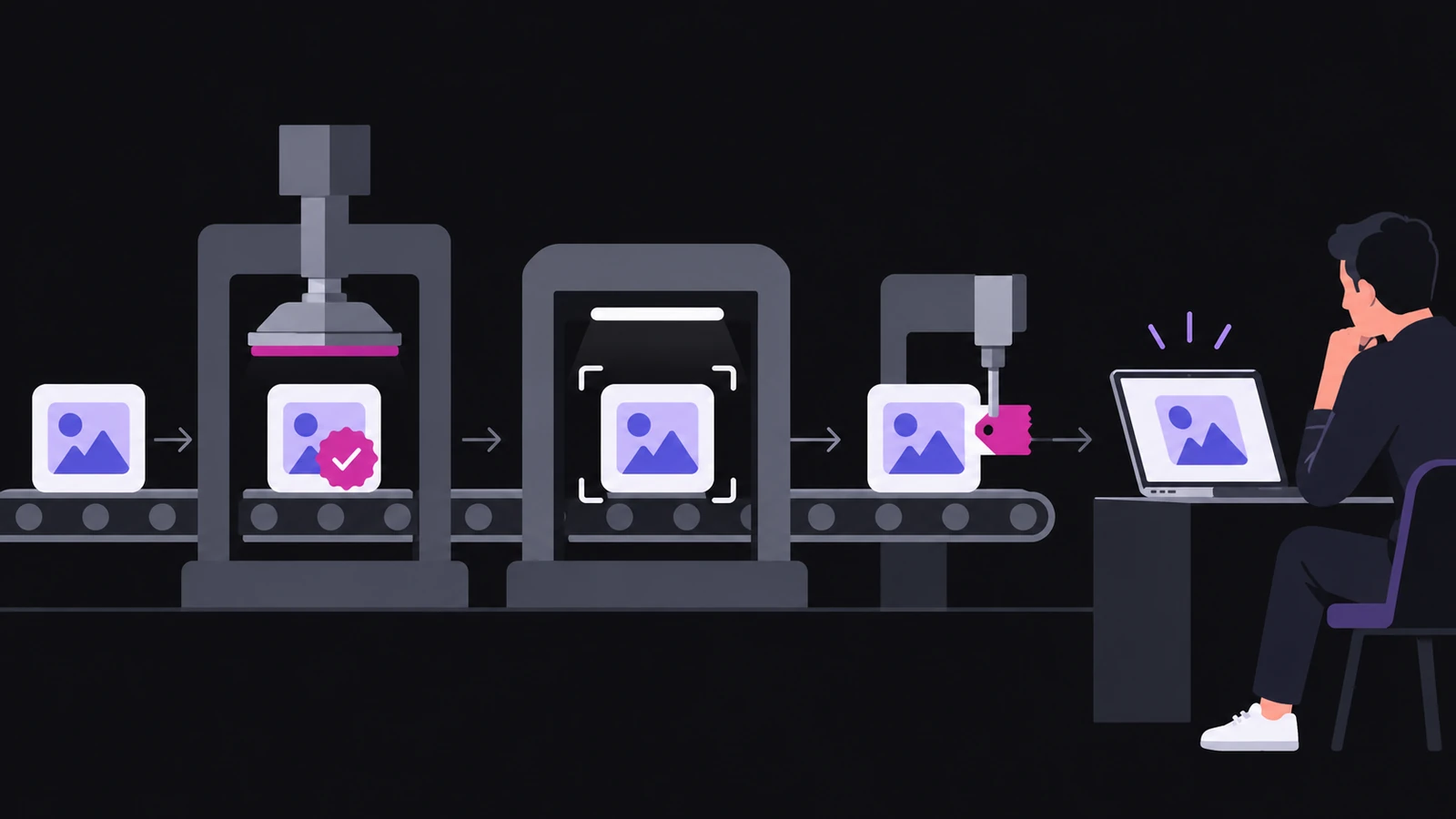
You do not need to delete the old certificate before testing the replacement. Apple allows a team to hold several Application and Installer certificates. Build a candidate with the new identity, verify it, and only then switch the signing identity used by the regular release process.
Do not stop at a successful notarization response either. A real reader launches a file downloaded from the web with quarantine metadata attached. Fetch the artifact from its actual delivery address and confirm that Gatekeeper handles it as expected. If you provide a package, record an app launch test and a package installation test separately.
Where does Novelez end and Mac distribution begin?
Novelez handles the story structure, dialogue, choices, preview, and the export into a Ren'Py project. Building a Mac app, signing it, and notarizing it belong to the operating-system distribution stage. A project playing correctly inside Novelez shows that the story and assets are present. It does not validate the certificate attached to a later Mac build.
Keep the records separate as well. Let the Novelez project remain the source of truth for story and assets. Record release settings and version changes in the Ren'Py project. In the release log, note the certificate type, issuing authority, notarization completion, and the exact file tested. The next update then has a clear starting point.
February 1, 2027 is not a day when every existing Mac app suddenly stops. It is a boundary for continued signing with certificates from the original authority and for affected installer packages that have not been replaced. Once you separate the artifact type from the certificate issuer, the work becomes much smaller.
How do you currently deliver a Novelez export to Mac readers: a direct app archive, an installer package, or a store upload? Have you tested the exact downloaded file that a new reader receives?