Should You Upload a Novelez Asset to My Assets or Project Assets?
September 11, 2026

A visual novel creator usually meets Novelez's three asset scopes at the least convenient moment: with a file already selected and an upload button waiting. The image might be a temporary background, a character portrait commissioned for one story, or a music track licensed for several projects. All three are valid files, but they do not belong in the same place.
Novelez separates assets into Default Assets, My Assets, and Project Assets. The useful question is not which tab looks tidy today. It is how far the file is allowed and expected to travel tomorrow. Choose the scope before uploading, and later work becomes easier to search, reuse, hand off, and clean up.
Start with the asset's job, not its file type
A background does not automatically belong to Project Assets. A music track does not automatically belong to My Assets. File type tells Novelez how the asset can be used in a scene, while scope tells you where it can be reached.
Ask three questions before the upload begins.
First, is this file only helping you test an idea? Second, should it appear in more than one project? Third, is it tied to the identity or permission boundary of one specific story? Those answers map more cleanly to the three scopes than a folder name ever will.
There is also a separate rights question. Moving a file into a reusable library does not give it a reusable license. If an illustration or track was commissioned or licensed for one title, its safe home is still the project that can use it. Storage structure helps you follow a decision; it does not make the decision for you.
When are Default Assets the better answer?
Use Default Assets when the immediate goal is to make the story playable before final art exists. Novelez provides a read-only library organized around characters, backgrounds, BGM, sound effects, and video. Every user sees the same library, and users cannot upload to it or delete from it.

That limitation is useful. A creator can assemble a rough scene, test whether a choice arrives at the right moment, and notice whether a conversation needs another location without first naming and uploading a production folder. Because the library is read-only, it also cannot become a pile of half-finished personal files.
Default Assets are not a promise that the prototype already has its final visual identity. Treat them as stage furniture. They let you answer structural questions while commissioned art, custom backgrounds, and licensed audio are still being prepared. Once a scene works, replace the temporary pieces according to the production plan rather than pretending the temporary set has become final by accident.
A simple signal helps: if you would be comfortable discarding the chosen asset after the next test, the built-in library is probably the right first stop.
What belongs in My Assets?
My Assets is the account-level library. A file placed there can be reached from all of the user's projects. That makes it a good home for material that is genuinely reusable, not merely material that feels important.
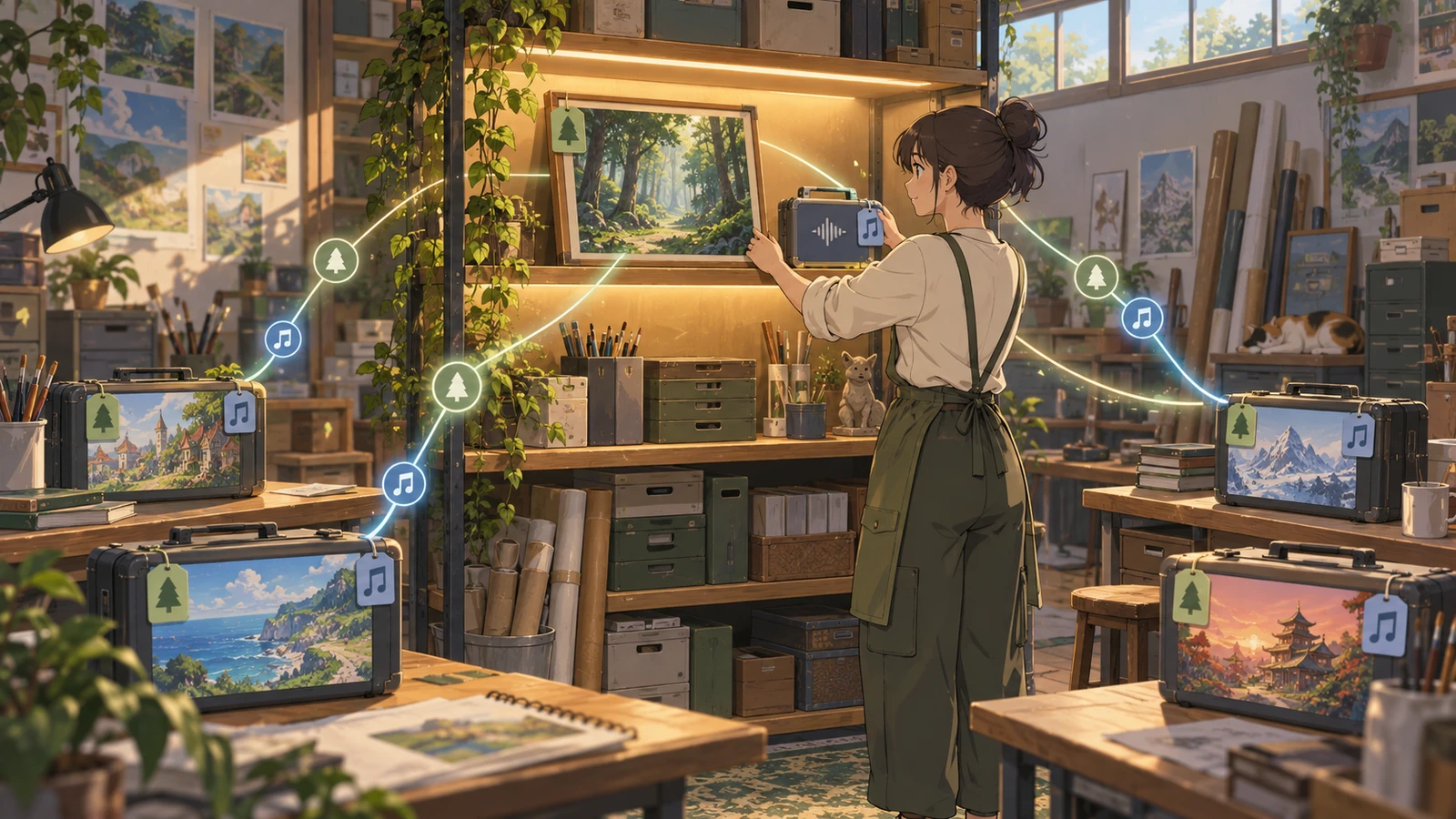
Think about a neutral ambience recorded or licensed for repeated use, a background texture that belongs to a creator's general toolkit, or a visual element used across a connected series. Keeping one reusable source in My Assets reduces the temptation to upload another copy into every project. It also gives the asset a predictable home when a new prototype begins.
The word reusable should survive two tests. The file's permission must allow the intended reuse, and its creative meaning must remain broad enough to fit another story. A heroine's bedroom may technically be a background, but if every prop in it identifies one title, placing it in a global library only makes later mistakes easier. A neutral rain ambience is much more likely to pass both tests.
My Assets also benefits from conservative organization. Create folders for functions you repeatedly search, such as shared ambience, neutral backgrounds, interface sounds, or a series-wide set. Novelez allows custom folders and nested folders, and the list is sorted by name. A small naming pattern therefore does real work. Use names that reveal the asset's function and version without depending on a preview thumbnail.
Do not turn the account library into a warehouse for every finished file. A global scope earns its value only when another project can reasonably choose from it.
What should stay inside Project Assets?
Project Assets is the safest default for files created for one visual novel. When a project is open and you upload through the editor's asset picker, Novelez stores the upload in that project's scope. The same scope can also be selected from the dashboard Assets page.
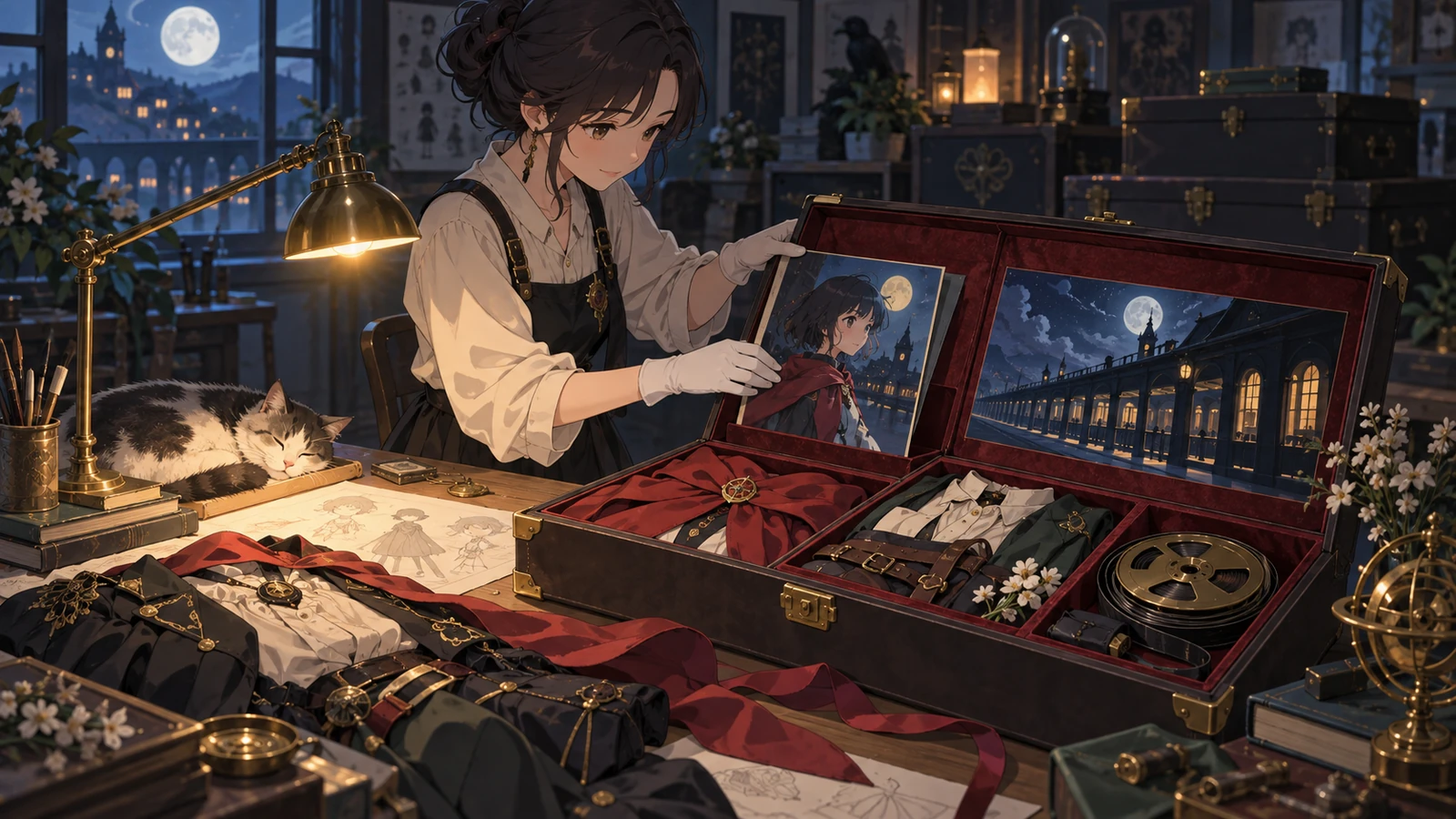
Character expressions, story-specific backgrounds, title art, a theme written for one cast, and a cutscene unique to one ending all have a clear project boundary. Keeping them together means a collaborator or your future self can see the production set without filtering out unrelated material. It also lowers the chance of choosing a similarly named file from another story.
Project scope does not mean the folder can stay chaotic. Prepare a modest set of folders before the batch upload. Characters, backgrounds, BGM, and sound effects are a practical starting point, but Novelez does not force those labels on user uploads. If a story needs folders by chapter, route, location, or production status, use the structure that matches how the project is actually edited.
Be careful when cleaning up. Novelez allows files and folders to be renamed or deleted, but deleting a folder also deletes its nested folders and files, and deleted assets cannot be restored through the asset manager. Before removing a project folder, open the project, check scenes that might reference its contents, and make sure the files are preserved elsewhere if the license and production plan require an archive.
Decide before a batch upload
Novelez supports both a file picker and drag-and-drop, including multiple files at once. Batch upload is convenient precisely because it can amplify a wrong decision. Fifty files sent to the wrong scope take longer to identify and reorganize than one file considered up front.
Use a short intake pass before dragging a folder into the browser:
- Mark each group as prototype, reusable across projects, or unique to this project.
- Check whether the permission for a commissioned or licensed file matches that group.
- Convert large media to a web-friendly format when practical.
- Choose a folder structure that will still make sense when thumbnails look similar.
- Keep the original production files in their proper archive rather than treating the web library as the only copy.
Novelez supports common image, audio, font, and video formats. Its manual recommends WebP for images, OGG for audio, and WebM for video because smaller media loads more efficiently in a browser. Uploads are also limited by the account's storage quota even when there is no separate per-file ceiling described in the current manual. Scope and compression solve different problems, but deciding both before upload prevents the same cleanup session later.
A practical default for an unfinished story
For a new project, begin with Default Assets until the route and scene order can be played. Move to Project Assets as the story gains art and audio that belong only to that title. Add something to My Assets only when you can name the second project that may use it, or when it is already part of a deliberately shared library.
This sequence avoids two common extremes. One is uploading every experiment into the account-wide library because it might be useful someday. The other is copying a legitimate shared asset into every project and then wondering which copy is current. A file should have one clear home based on its widest valid use.
Novelez will show the three scopes in the dashboard and inside the editor's picker, but it cannot decide the creative and legal boundary of a file. That boundary comes from your project plan and the permission attached to the asset. The interface becomes simple once that part is clear.
Look at the next five files waiting to be uploaded. Which ones can genuinely serve another story, and which ones only make sense inside the project open today?