Steam Removed Sale Event Banners From Store Pages. Which Events Should Your Visual Novel Still Join?
November 6, 2026
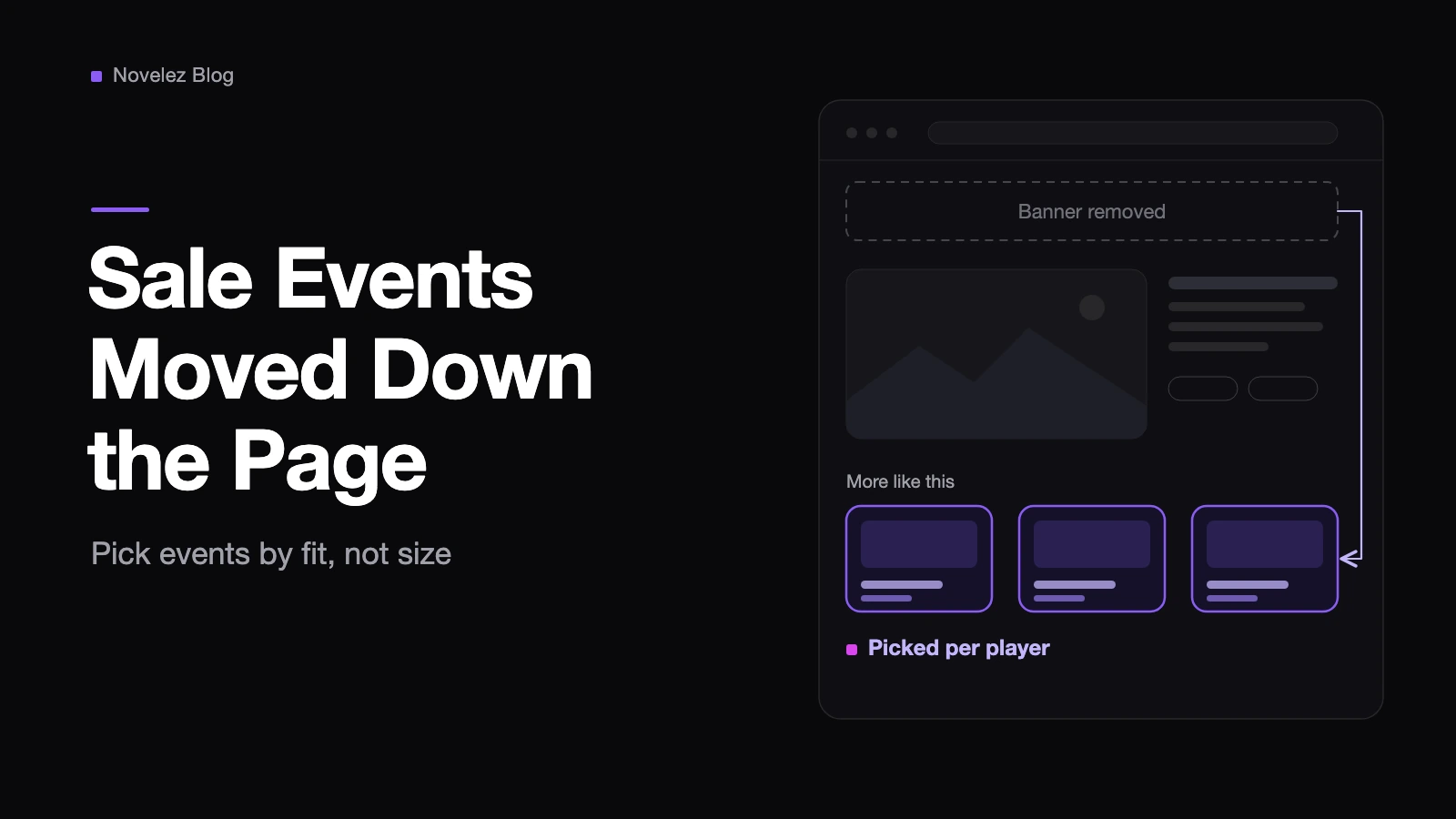
Until this week, joining a publisher sale or a themed sale on Steam came with a side effect most visual novel developers never really chose: a wide event banner sat across the top of your store page for as long as the event ran. On November 4, Valve's Steamworks team announced that those banners are going away. Events now show up further down the page, next to the "More like this" carousel, and the games shown there are picked for each visitor.
That sounds like a layout tweak, but it changes what an event invitation is worth to a niche genre. Below I keep what Valve's announcement and the Steamworks documentation actually say apart from my own reading for visual novels, which I label as such.
What actually moved, and what didn't?
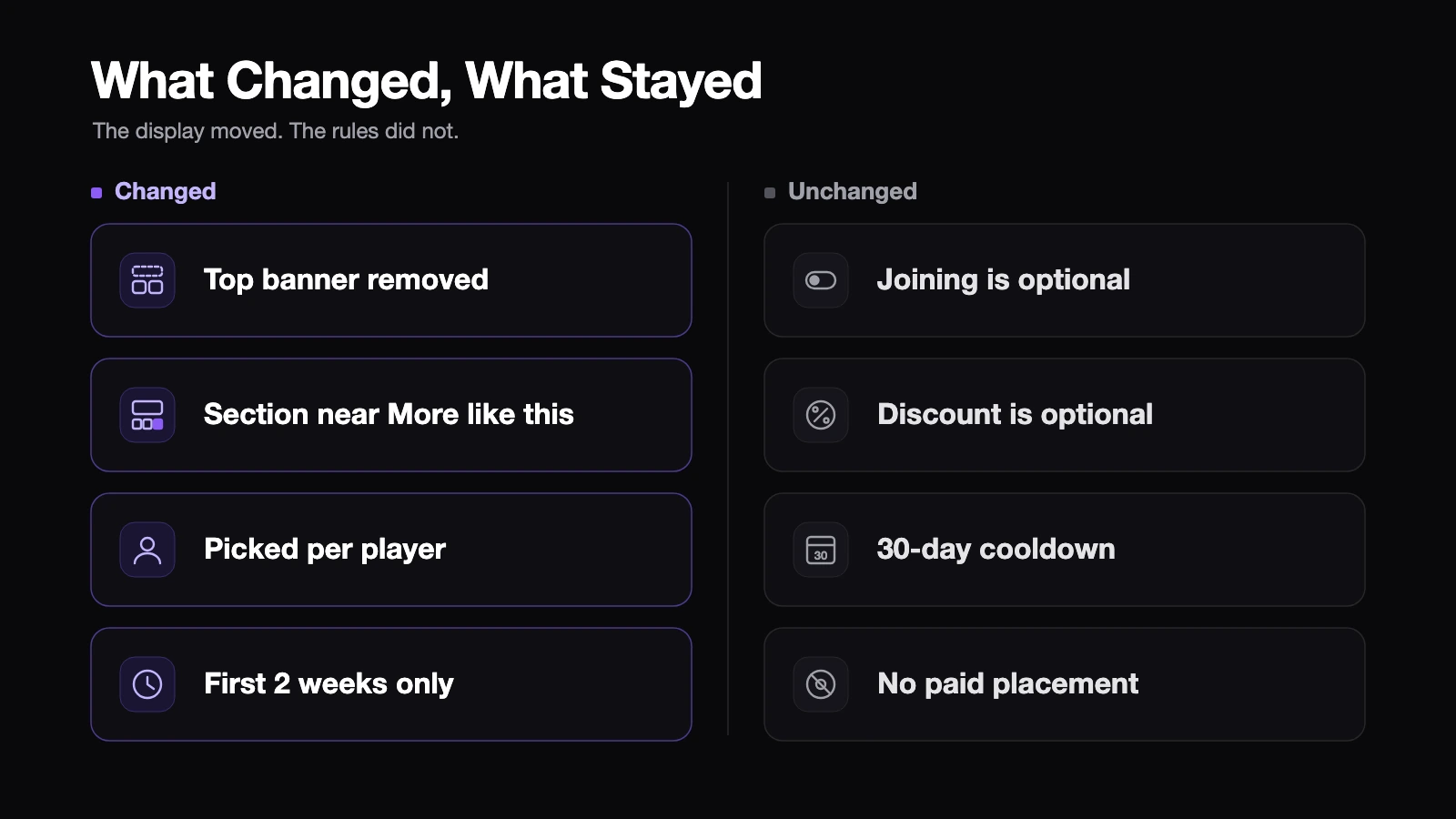
According to the announcement, four things changed:
- The banner at the top of each participating game's store page is removed.
- A new section appears alongside "More like this" and highlights a few games from the event that are recommended for that particular player.
- If a game is in several events at once, Steam shows the event that contains the most games highly recommended for that player.
- The section only appears during the first two weeks after the event starts, or until the event ends if that comes sooner.
Valve says the new format applies to publisher sales, regional sales, themed sales organized by other developers, and showcase events such as Gamescom, the Triple-I Showcase and The Game Awards. The announcement doesn't say whether Valve's own seasonal sales and Steam fests work the same way, so I wouldn't assume either way.
Plenty stays the same. The Steamworks page on participating in third-party sales events still says joining is entirely your call, and that a discount is optional but "may affect featuring decisions" (Steamworks, Participating in Third-Party Sales Events). Event discounts are not exempt from Steam's 30-day discount cooldown. Organizers still can't charge for store placement. And a game can still be in at most one featured publisher or developer sale and one featured franchise sale per calendar year.
One caution. When I checked on November 6, two Steamworks pages, Sale Page Tools and Participating in Third-Party Sales Events, still described the old banner at the top of the store page. The announcement is newer, so I'd treat it as current and watch for the documentation to catch up.
Why does this matter more for a visual novel than for a shooter?
Think about which way the traffic flows. The old banner mostly pointed people away from your page and toward the event. The new section works in the other direction: it can show your game on other participants' pages, but only to visitors Steam thinks would like it. Valve's stated reason for the change was that banners got in the way of the information players came for, and often left them unsure why they were seeing an event at all.
Here's my reading. For a genre with a specific audience, simply being listed in a large event is now worth less than it used to be. A visual novel tucked into a broad publisher sale full of action games is unlikely to be recommended to people browsing those action games. A small event built around visual novels or story-driven games is the opposite case, because the visitors on neighbouring pages are much more likely to be your readers. Fit now beats size.
There's a quieter benefit too. If your game joined many events through the year, a lot of visitors used to land on someone else's banner first. Now the top of your page is your capsule, your trailer and your short description again, which is a good reason to reread that description with fresh eyes.
Which questions should you ask before accepting an invite?
Steamworks tells participants to direct event questions to the organizer, whose contact details appear in your dashboard once you've been added. These are the questions I'd ask, roughly in this order.
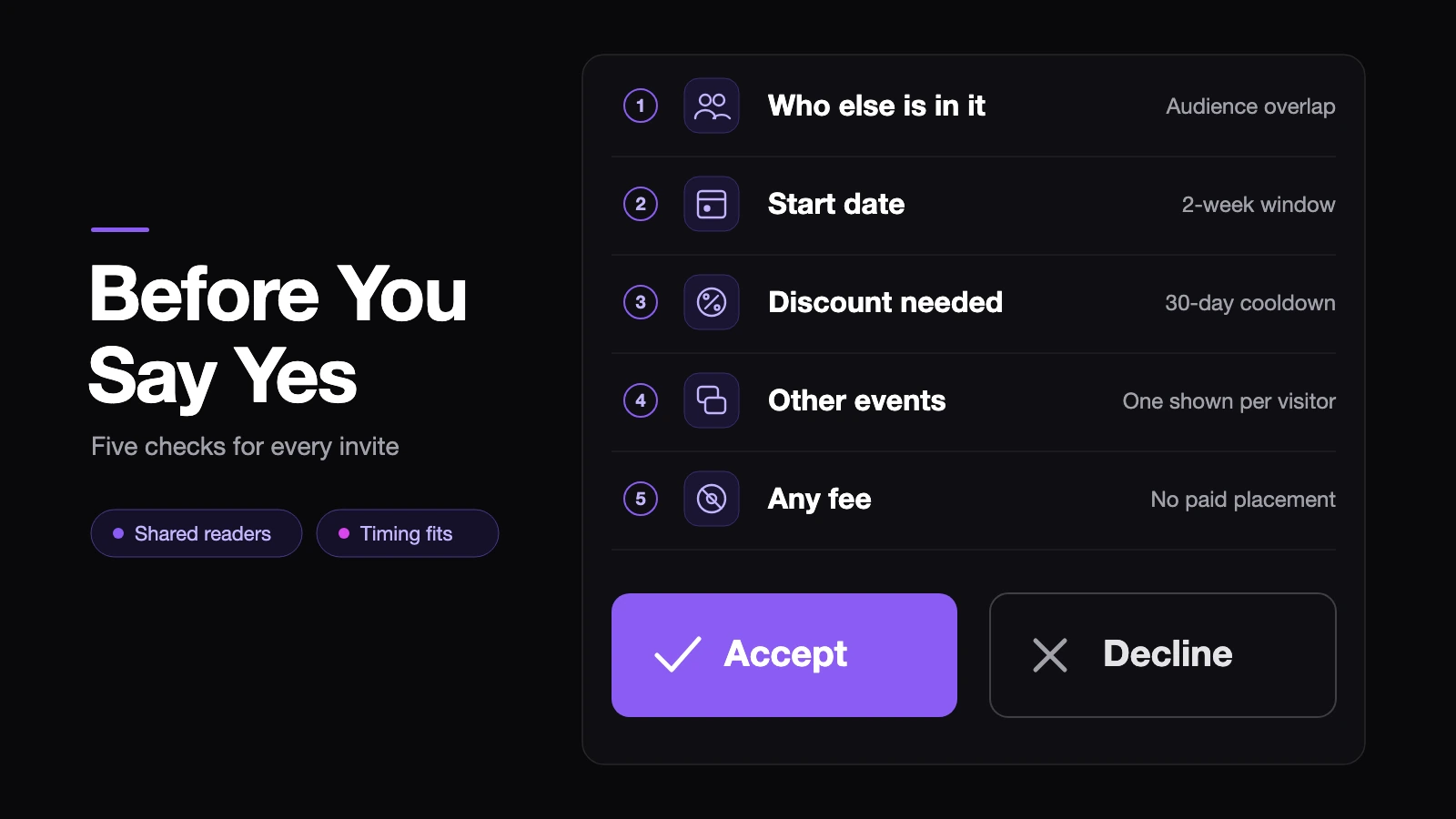
- Who else is in it? Look at the game list and count the visual novels, narrative adventures and games with a similar tone. The more the list overlaps with your audience, the more chances the per-player section has to surface your game.
- When does it start? The section only runs for the first two weeks. If you want those two weeks to land on your launch window, a big content update or a new translation, check the start date before you say yes.
- Do you need a discount? Adding one starts the 30-day cooldown and can push back a discount you already planned. Ask whether you can join at full price and how the organizer decides featuring.
- What else are you in that week? Overlapping events don't stack in the new section, since each visitor is shown one event. Joining three events at once doesn't triple anything.
- Is anyone asking for money? Payment for placement on a Steam sale page is not allowed. Organizers may charge for off-Steam extras such as booth space or a livestream segment, so get clear on exactly what a fee covers.
How do you tell whether an event paid off?
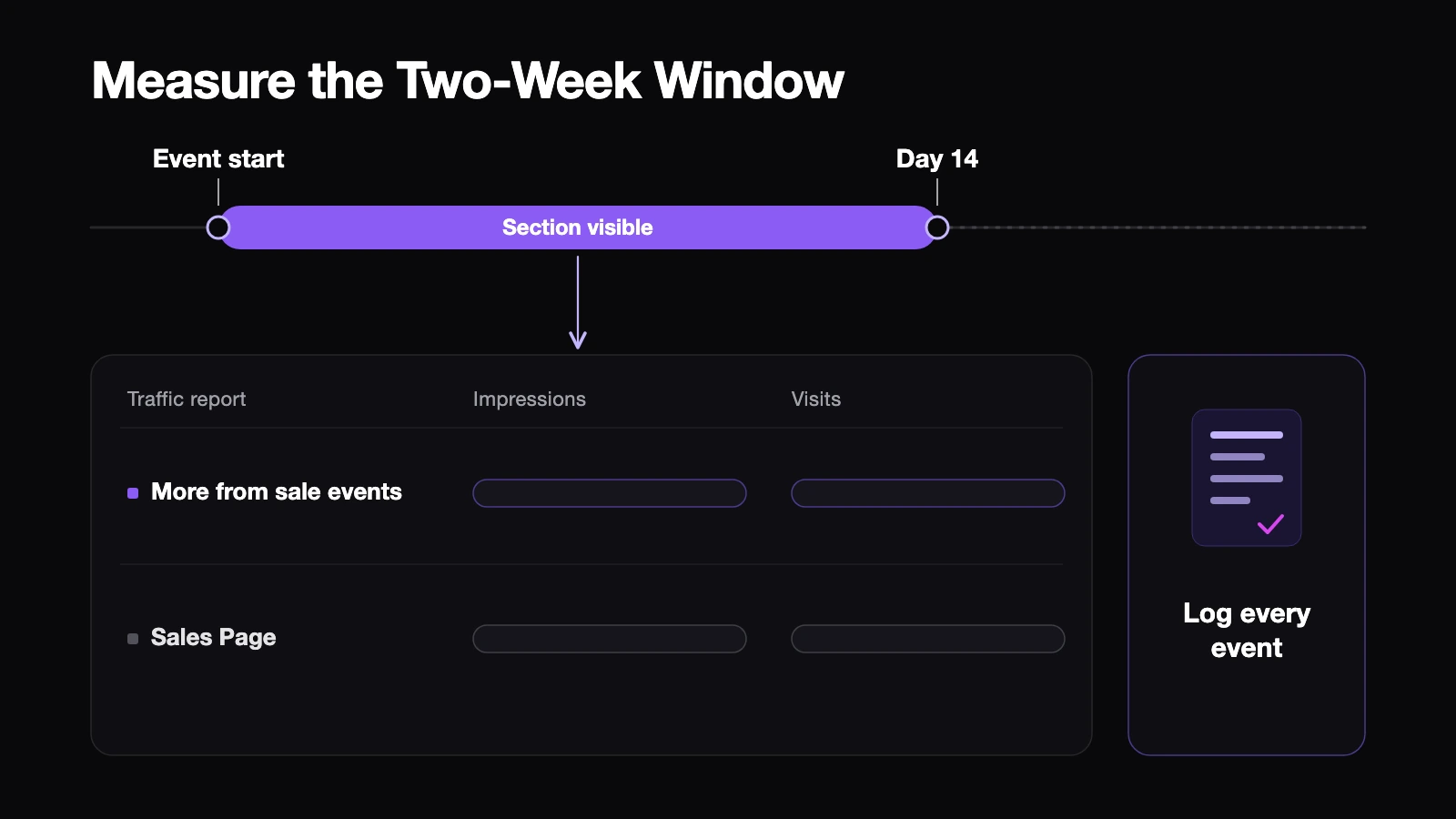
Valve says visibility from the new section is reported in your Steamworks traffic report under "Other Product Pages", then "More from sale events". The report lives under Marketing & Visibility on your app's landing page, in the Store & Steam Platform Traffic Breakdown tab. Keep the traffic report definitions in mind: an impression means your game was displayed on screen, not that anyone looked at it, and a visit is a unique load of your store page.
What I'd do is keep a one-line log per event: the start date, the day the two-week window closes, the discount, and how many other events overlapped. For that window, note impressions and visits under "More from sale events", and next to them the visits from the "Sales Page" line, which is where the third-party events documentation says traffic from the event page itself shows up. Keeping the two apart tells you whether people arrived from the event page or from the new section. After two or three events, your next reply to an organizer can rest on numbers instead of a hunch.
And if you ever find your game in an event nobody on your team agreed to, Valve's advice is to check internally first, then file a Steamworks support ticket to have it removed.
The old banner was loud but indiscriminate. The new section is quieter and aimed at the right person, so whether the change helps your visual novel depends mostly on which events you say yes to.
If you sell a visual novel on Steam, which kind of sale event actually brought you visits in the past: a big publisher sale or a small genre event? And is there an invitation you're now reconsidering?