Why Does Novelez Dialogue Become Narration After You Delete a Character?
October 7, 2026
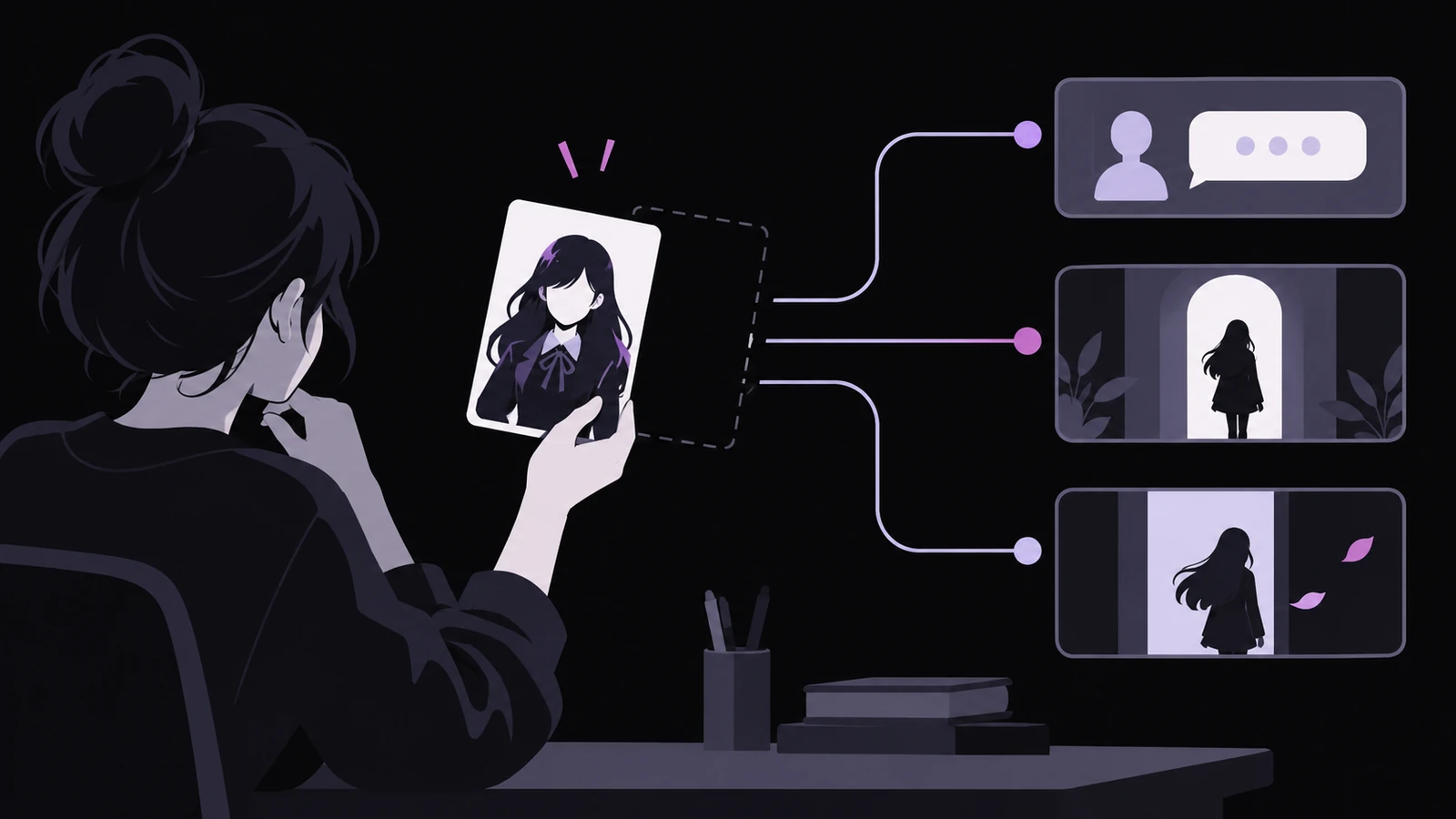
A visual novel creator opens a scene that worked yesterday. The line is still there, but the speaker name has disappeared. A character who should enter never appears, and the later exit changes nothing. The text survived, so the problem can look like a preview failure. Often the missing piece is the registered character that those blocks used to reference.
Novelez keeps characters in a separate Characters window and reuses them across Dialogue, Show character, and Hide character blocks. Deleting a character is therefore not the same as removing one portrait from a scene. The current documentation says lines assigned to that character become narration without a name, while the character's Show and Hide blocks no longer have an effect.
The safest response is to identify the lost reference before rewriting dialogue or rearranging the scene. If the character still exists, choose the smaller maintenance action. If the character has already been deleted, repair each affected block and test the real routes that reach it.
How can you tell that the character reference is the problem?
Begin in the Characters window, not in the sentence editor. A registered character shows its current name, name-tag color, default image, and usage information. Novelez summarizes where it is used with counts such as dialogue lines and Show or Hide blocks. A character with no current reference is marked as not used yet.

Those counts answer a useful first question: is this character still connected to the story? If the person remains registered and the usage count is present, a missing portrait may come from the default image or from the image selected on a particular block. If the person is absent from the character list and formerly voiced lines now appear as narration, deletion is the stronger explanation.
Do not diagnose from one screen alone. Open an affected Dialogue block and inspect its speaker. Then check a nearby Show or Hide block that should use the same person. A scene can contain two separate problems: the line may have lost its speaker, and the staging block may also have lost the character it was supposed to place or remove.
The character image file is a different object from the registered character. Deleting the character entry changes story references as described above. It does not prove that a portrait file was deleted from the asset library, and seeing the portrait in the asset picker does not restore the missing speaker. Check identity and image separately.
Should you rename, replace the default image, or delete?
Choose the action by what has actually changed.
Rename when the person is still the same story character and only the displayed name needs correction. The current Novelez documentation says existing Dialogue and Show or Hide blocks pick up the renamed character automatically. This is the appropriate path for fixing spelling, changing a working name, or standardizing how a character is presented.
Change the name-tag color when the identity and lines are correct but the dialogue label is hard to distinguish. The color can be reassigned in the character list. Very dark colors are difficult to read, so the interface may show them as yellow. A color adjustment should not require rebuilding the person's dialogue assignments.
Replace or clear the default image when the registered person remains valid but their ordinary on-screen portrait has changed. A default image lets Show character use the person without a separate image selection, and choosing the person in Dialogue can be enough to display that image. After changing it, preview scenes that rely on the default and separately inspect blocks that specify another pose or expression.
Delete only when the registered character should no longer exist in the project. The confirmation reports how many lines use the character. Treat that number as an impact warning, not as a decorative statistic. Deletion intentionally leaves those lines as narration and makes the person's Show and Hide blocks ineffective.
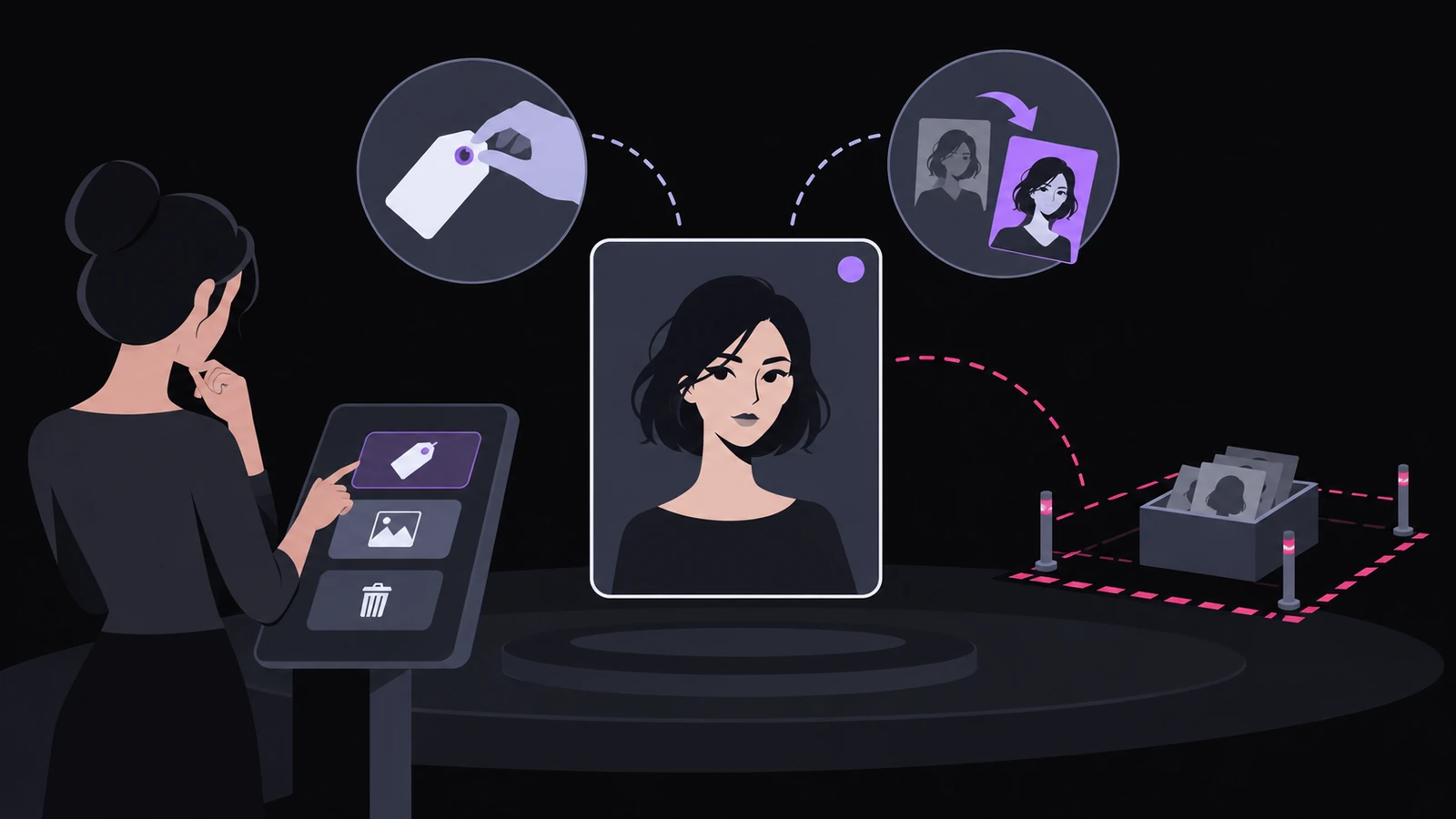
A useful rule is simple: if the same fictional person remains in the story, deletion is usually larger than the change you need. Rename or replace the image instead. If two duplicate entries represent one person, first decide which entry will survive and inspect both usage counts. Removing the wrong duplicate can disconnect the version that actually carries the dialogue.
What should you preserve before removing a character?
Make the change reversible outside the editor before using Delete. Novelez supports recent Undo, but its testing guidance says there is no whole-project history that restores an older saved version. For a major cleanup, download the script as text. If the project also needs a local copy of its assets, export a Ren'Py project archive as well.
Then record the character's current settings:
- The exact displayed name and name-tag color
- The default image, if one is assigned
- The reported number of dialogue lines and Show or Hide uses
- The routes or chapters where the person appears
- Any scene-specific portraits that differ from the default
The list is short because the purpose is not to build a second editor. It gives you enough evidence to decide whether a surprising preview came from the deletion and enough context to repair the intended speaker and staging.
Play the affected scene once before deletion if the project still works. Note the first line where the character speaks, the entrance that makes them visible, and the exit or scene change that removes them. A working before-state is more useful than trying to reconstruct the intended order from memory later.
How do you repair a character that was already deleted?
First, register the intended character again with the correct name, readable name-tag color, and a suitable default image. Do not assume that creating a new entry with the same name reconnects old blocks automatically. The deleted entry was the identity those blocks referenced, and the documentation only promises automatic updates when an existing registered character is renamed.
Next, repair the affected blocks by job.
For each Dialogue block that should be spoken, choose the restored character as the speaker. Keep genuine narration as narration. Do not assign every nameless line to the new character merely because it appears near the damaged section.
For each entrance, open the Show character block and choose the restored character again. Confirm the intended image and position. If the scene depends on a pose or expression rather than the default portrait, select that specific image instead of accepting the default by habit.
For each exit, open the Hide character block and reconnect the same character. An ineffective Hide block may look harmless during editing, but the person can remain visible through later dialogue and make the stage contradict the writing.
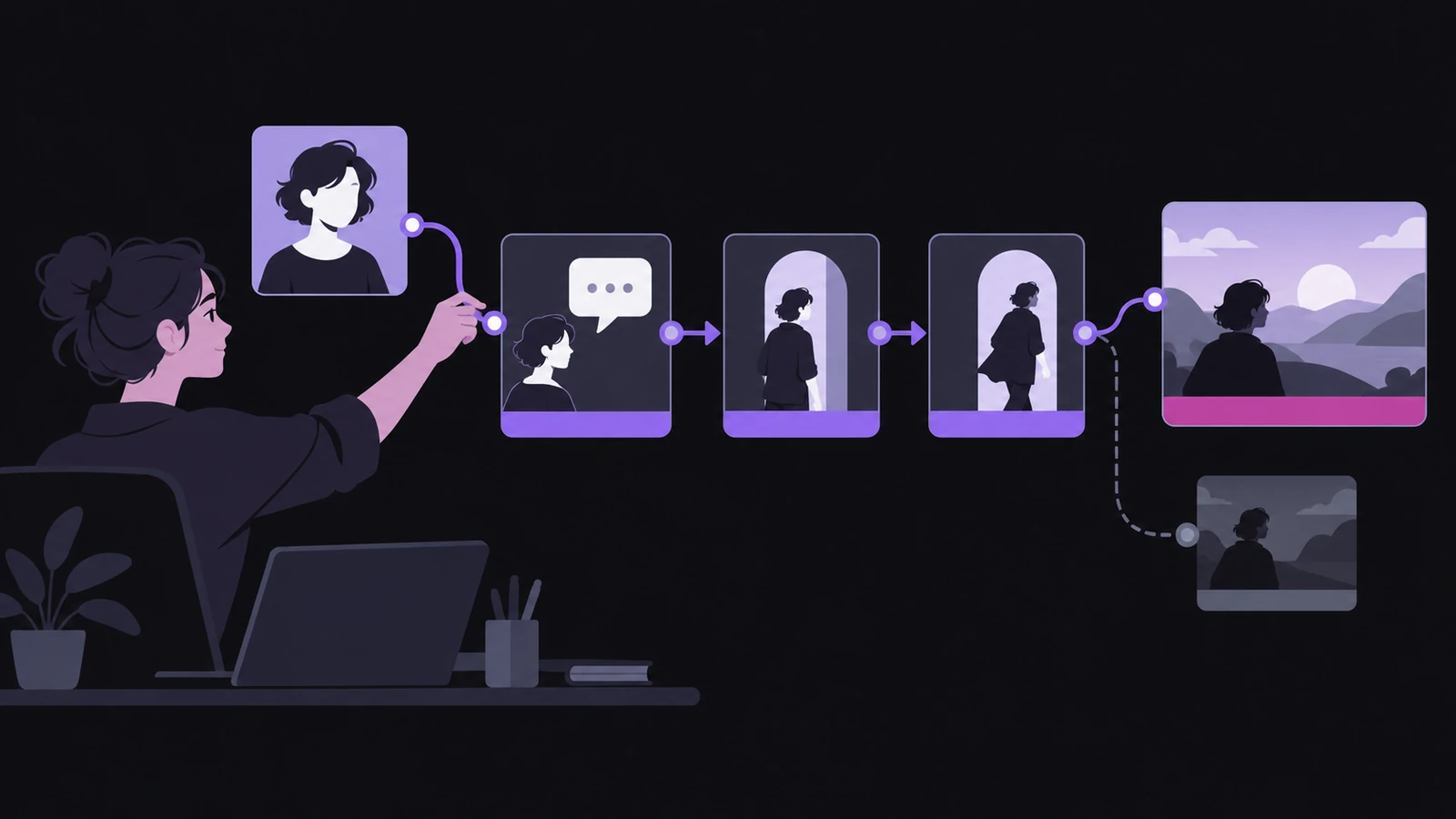
Use the character's usage summary as a progress check after reassigning blocks. It can tell you whether the new entry is beginning to carry dialogue and staging references. It cannot tell you that every assignment is correct, so the last step is still playback.
Which preview proves the repair?
Start with a short local check. Select a block just before the character's entrance and use Play from here. Confirm that the right portrait appears, the name tag accompanies the first spoken line, expression changes occur where expected, and Hide removes the same person.
Then test each branch that can reach the character. Novelez's testing guidance recommends walking through every option after adding or changing a branch. A repaired common route does not prove that a less obvious route no longer contains a narration line or a silent Show block.
If the route depends on variables set earlier, finish with Play from start. Novelez explains that Play from here applies Variable blocks above the selected block in list order, which can include blocks from other branches. That shortcut is useful for staging, but it may not reproduce the real state that leads to a conditional scene.
A complete repair should satisfy these checks:
- The restored character has the expected Dialogue and Show or Hide usage
- Intended narration remains without a speaker
- Spoken lines display the correct name and readable color
- Entrances use the intended default or scene-specific portrait
- Exits remove the correct character
- Every reachable branch has been played once
- No temporary diagnostic line remains before sharing
Deleting a character can look like several unrelated failures because text, identity, and staging are stored in different places. The line remains, the speaker link disappears, and entrance or exit actions lose their target. Once you separate those jobs, the repair becomes a series of specific reconnections instead of a rewrite.
Which character in your current Novelez project has the most dialogue and staging uses, and would you know every route to check before changing that entry?