Steam Build Review Now Takes Up to 12 Business Days: What Should Your Visual Novel Fix Before Submitting?
November 4, 2026
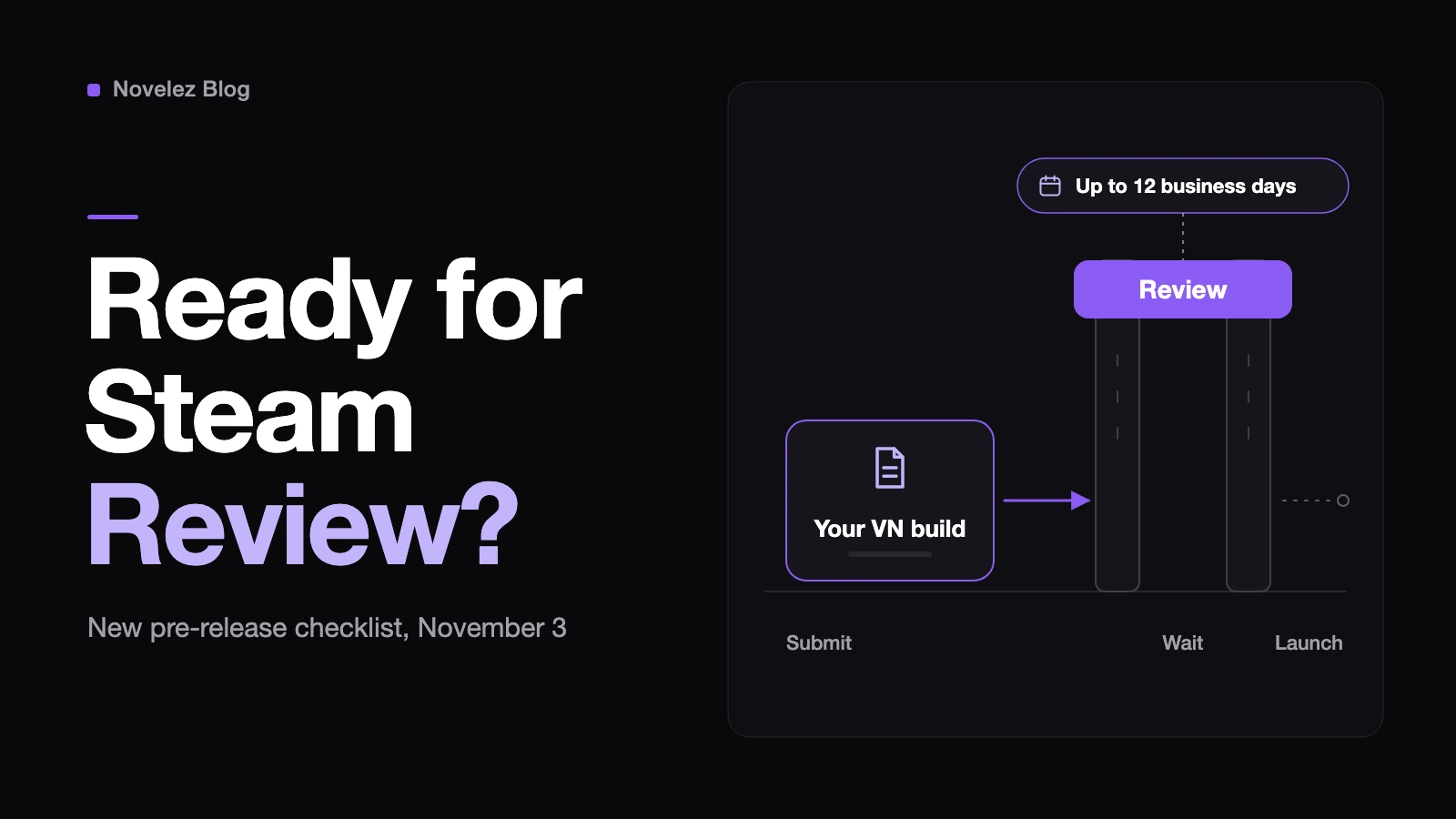
If your visual novel has a Steam launch date on the calendar, the build review step just got slower and stricter at the same time. On November 3, Valve's Steamworks team posted an update to the pre-release review process. It says submissions for store page and build review have risen significantly in recent months, and that build reviews which typically take 3 to 5 days are currently taking up to 12 business days. Valve's own explanation is that much of the delay comes from re-reviewing games that failed for basic functional issues.
The Verge reported the same day that some indie developers have already missed planned launch dates while waiting. One studio said it submitted its build on October 12 and was still waiting on the planned launch day; another publisher said a review failed because a single menu option couldn't be reached with a controller. Below I separate what Valve's announcement and the Steamworks documentation say from my own advice for visual novel builds, which is marked as such.
How early should you submit now?
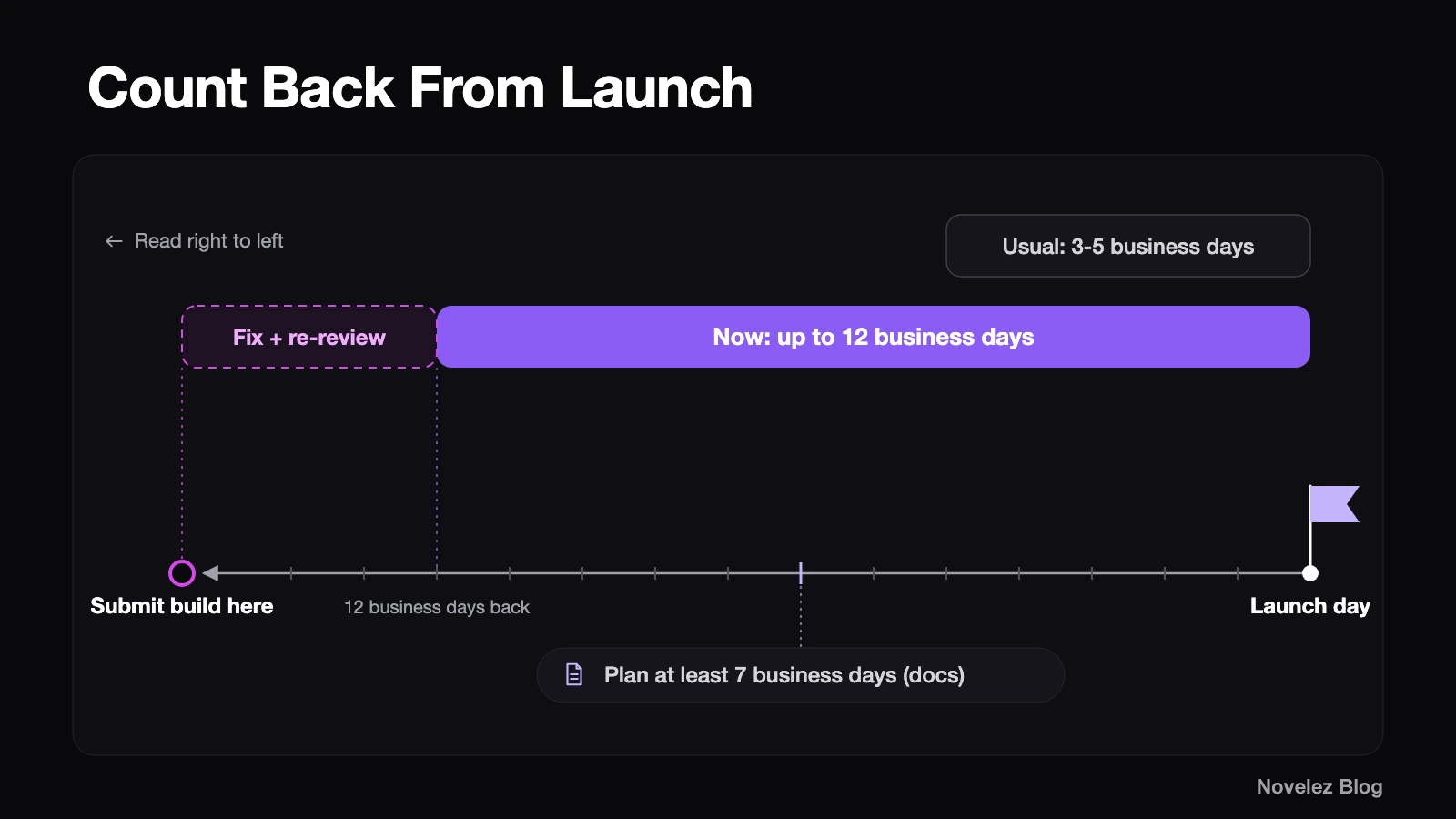
The Steamworks review documentation still describes a typical build review of 3 to 5 business days and asks developers to plan for at least 7 business days. The announcement adds the current reality: up to 12 business days. Twelve business days is roughly two and a half calendar weeks, and if the review comes back with a fix, you wait again after resubmitting.
My suggestion: count back from your launch date. Put your build submission at least 12 business days before launch, then add room for one round of fixes and a second review on top. If your store page also still needs review, submit it earlier still, because Valve requires the store presence to be submitted before the build can be.
What does the new checklist ask for, step by step?
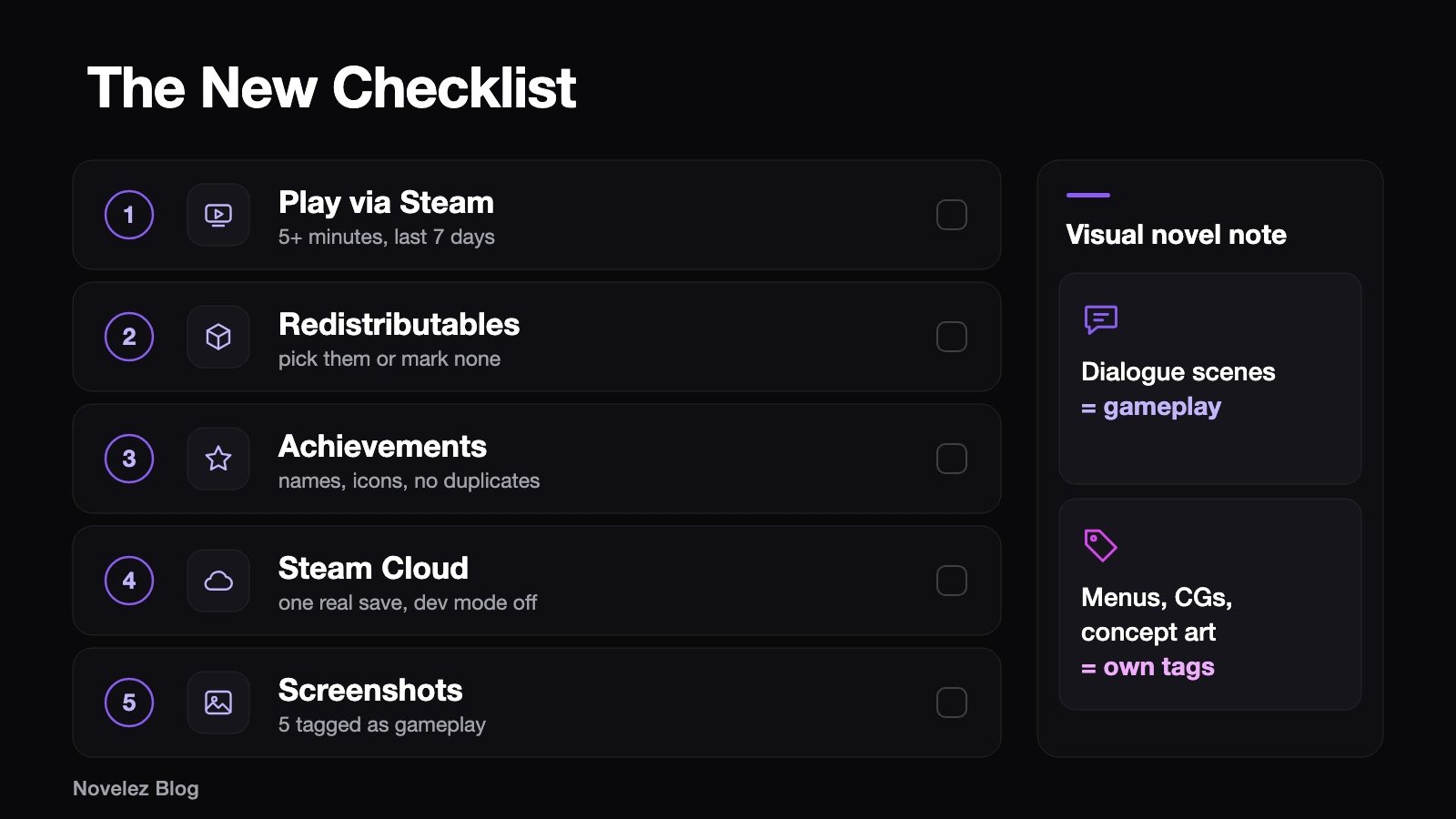
The release checklist on your app's landing page in Steamworks now has new required items. Here they are in the order I'd work through them for a visual novel.
- Play the game through Steam for at least five minutes. Install it with the Steam client and press the green Play button rather than double-clicking the executable on your desk. Any user's playtime counts, but it has to be from the past 7 days, or since your last build if that upload is older than 7 days. Valve notes a delay of a couple of minutes before the time shows up on the checklist. For a visual novel, use those five minutes to start a new game, reach the first choice, save, quit and reload, so you also catch a wrong launch option or a missing depot.
- Confirm common redistributables. Steam can install packages such as DirectX, Visual C++ and .NET, and you now have to either pick the ones your game needs or state that it needs none. Valve notes that many engines need none of these. Check your engine's documentation instead of guessing.
- Check your achievements. The checklist now flags incomplete configuration such as missing names, missing icons and duplicate names. Visual novels often add ending achievements late, so this is where a blank icon slot tends to hide.
- Prove Steam Cloud works, if you list it. When Steam Cloud is shown as a supported feature, a member of your partner group must now write a save file to Steam Cloud, and the checklist also flags cloud sync left in developer-only mode. If you use Auto-Cloud, the root path has to point at the folder your engine really saves to. For a Ren'Py game that is
%APPDATA%/RenPy/plus your save directory on Windows,~/Library/RenPy/on macOS and~/.renpy/on Linux, according to the Ren'Py configuration docs. Steamworks recommends the Cross-Platform setting for root paths even if you ship on one platform today. If you don't actually support cloud saves, untick the feature instead. - Categorize your screenshots. Screenshots now carry categories, and at least five must be categorized as gameplay. Menus, concept art and in-game cinematics can be uploaded as long as they carry the right category, and those labels appear on the store. Screenshots still can't be used as marketing copy. My reading for a visual novel: a scene with characters and the dialogue box on screen is gameplay; a title screen, a CG gallery page or a character sheet belongs in another category.
Does your build deliver what the store page promises?
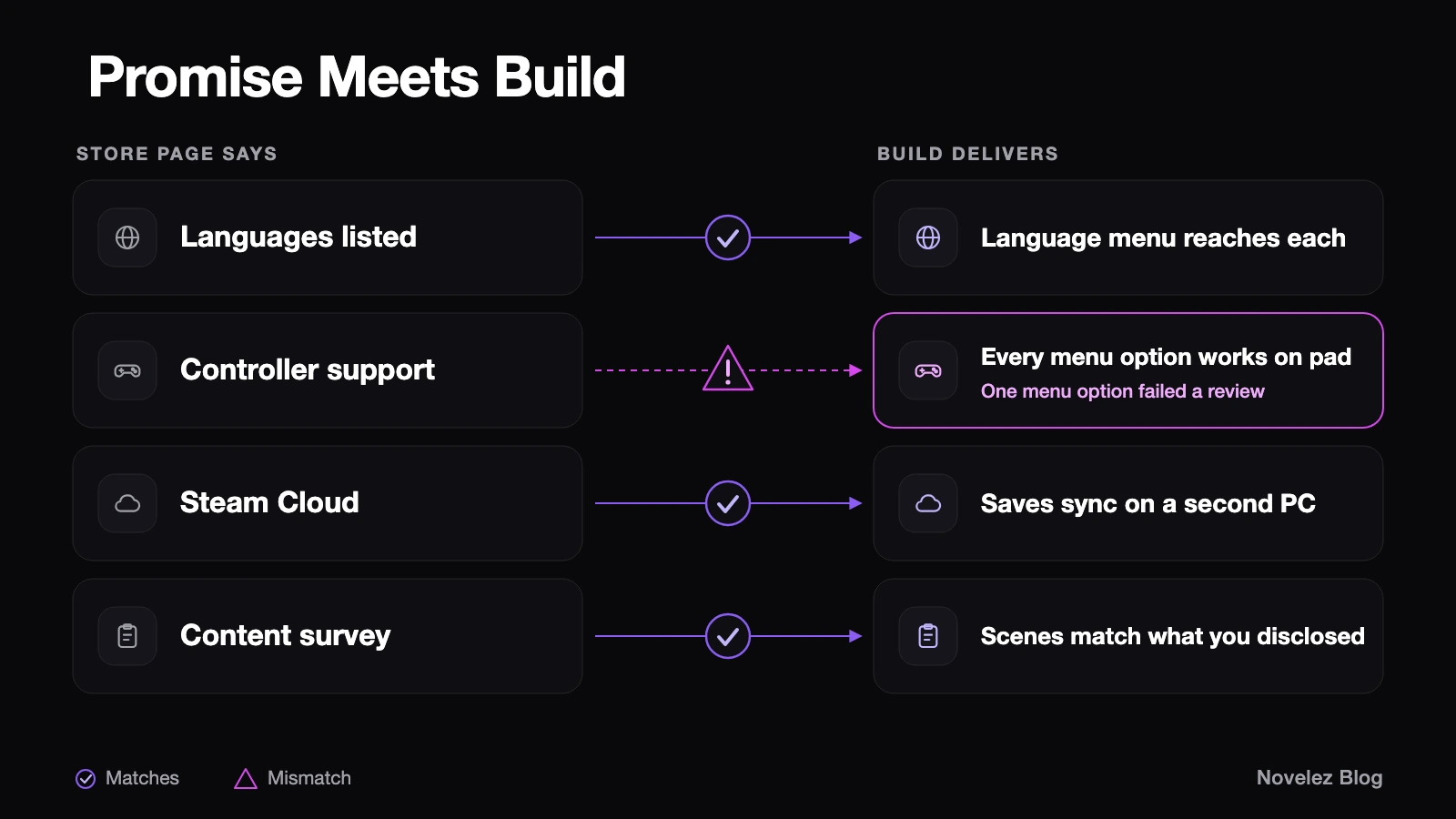
Valve's tips section boils the review down to three questions: is the store page clear and complete, does the build match what the page promises, and does the game contain sensitive content that wasn't disclosed in the content survey. Reviewers install and play the game. Valve also says submission now shows reminders based on the features your page lists, for example asking you to confirm that every language you advertise is included in the build.
For a visual novel, I'd walk the store page line by line with the build open:
- Every listed language should be selectable from the build's own menu, and each one should reach the first choice without falling back to another language.
- If you claim controller support, every menu option needs to work with a gamepad, including name entry, the save screen and the settings page. That one unreachable option is exactly how the Verge's example failed.
- If you list Steam Cloud, a save made on one machine should load on another.
- If your story has mature scenes, the content survey answers should match what a reviewer will actually see.
Valve also mentions store pages failing for incomplete or vague descriptions and capsule images whose logo can't be read, so reread the short description as a stranger would.
Valve says more improvements to build review are coming, and the documentation will gain a reference list of checklist items. Until then, the safest assumption is the slow one: a build that passes the first time is worth more than a perfect launch date that slips.
If you're putting a visual novel on Steam this season, which of these checklist items surprised you, and how far ahead of launch are you planning to submit your build?