You Have a Story in Your Head — How Do You Turn It Into a Visual Novel?
April 11, 2026
Got a Story But Don't Know Where to Start?
Ever had a great story idea in your head?
You know the feeling — "this would make such a cool game..."
but when you actually try to start, you're completely stuck on where to begin?
Yeah, I've been there too. The story flows in my head,
but visual novels have a structure, and if you don't know it,
you'll spend hours just figuring out the basics.
So today, let's talk about how to turn your story into a visual novel.
🎬 The Building Blocks of a Visual Novel
A visual novel is really just backgrounds + characters + dialogue + choices.
But how you connect them is the key.
1️⃣ Scene — "Where is this happening?"
Classroom, café, under the night sky... Scenes change the background when the story moves to a new location.
2️⃣ Character — "Who's speaking?"
Main characters, side characters, even background people. Each has a name and an image.
3️⃣ Dialogue — "What are they saying?"
The lines characters speak. Narration (scene descriptions) also falls here.
4️⃣ Choice — "What do I do here?"
The moment where the player decides which way the story goes. This is the heart of a visual novel.
📖 Novel vs. Visual Novel — What's the Difference?
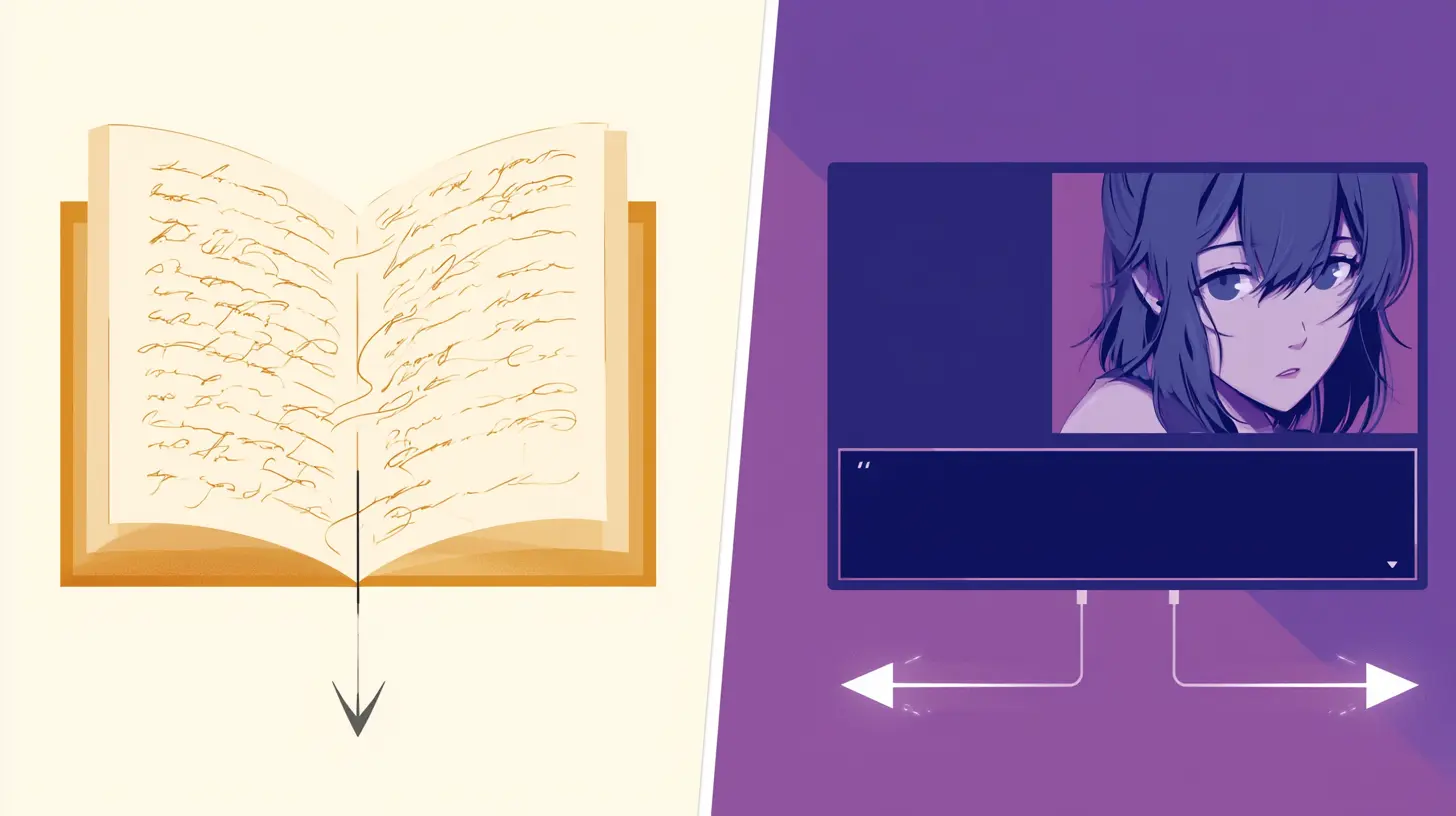
A novel flows in one direction. The reader follows what the writer wrote.
A visual novel can flow in many directions. The reader (player) makes choices.
What this means is, when you turn a novel into a visual novel,
you need to ask yourself:
"What if the protagonist didn't choose A here — what if they chose B instead?"
Here's an example:
Novel: "After much thought, Ethan decided to confess to Sophie."
Visual Novel: "Ethan was torn. Should he confess? [ Confess / Wait a little longer ]"
See the difference? Moments where the author decides in a novel
become moments where you hand the decision to the player in a visual novel.
🗺️ Creating Branches in Your Story
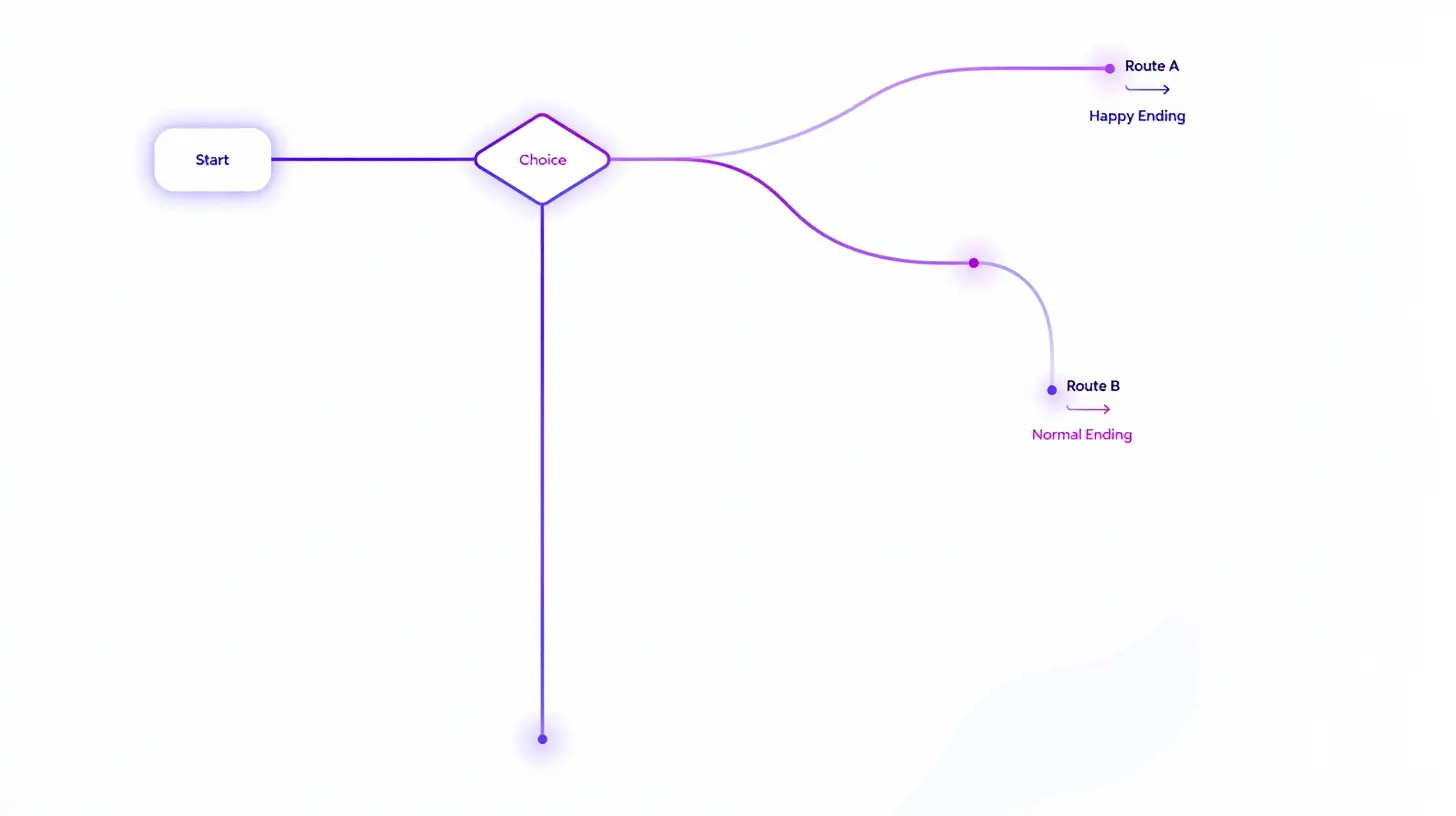
This is where a lot of folks get stuck. "My story already has an ending — how do I create branches?"
Here's a tip. Look for the key decision moments.
Every story has scenes where the protagonist makes a choice.
Confess or not, run or fight, tell the truth or hide it.
Those are your branching points.
You don't need a full ending for every branch either.
You can have branches that merge back. A quick detour, different dialogue, but the same outcome.
This lets you build structures like "one main route + several short branches."
🎯 Tips to Remember When Building
Let me leave you with a few tips.
💡 Start with the start label — Every game begins here
💡 Don't cram too many lines into one scene — 3-5 lines keeps it readable
💡 Make choices meaningful — Not just "yes/no" but choices that actually lead somewhere different
💡 Create multiple endings — Even just happy, normal, and bad endings add so much depth
Turning a story into a visual novel is way more fun than you'd think.
That moment when the story in your head becomes an actual playable game —
I really hope you get to feel that.
🤫 One more thing — a quiet hint
We're actually testing a very special feature right now.
If you've ever thought "copying my story over by hand is kind of a pain..." — we've got good news coming.
It'll be released soon, so stay tuned! ✨
Give it a try! 🎬
April 11, 2026