Can You Try the Novelez Editor Before Signing Up?
September 2, 2026
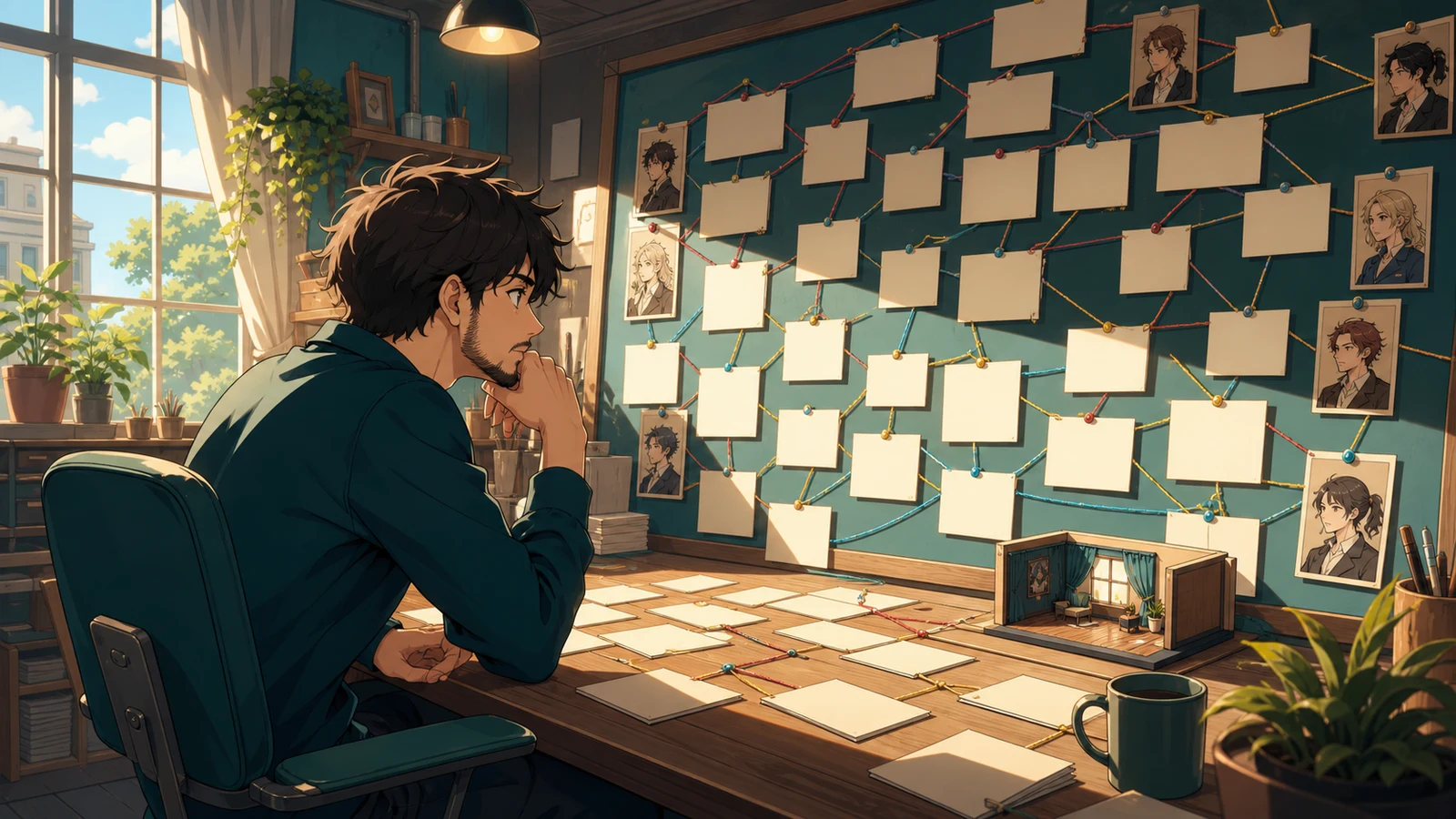
You should not have to create an account just to discover whether a visual novel editor thinks the way you do. A feature list can say that an editor has scenes, choices, assets, and preview. It cannot tell you whether those pieces feel understandable when they are all on one screen.
Novelez now has a guest editor for that first look. Open the editor demo without signing in and you enter the real editing workspace with a prepared AI-generated sample. You can browse the story, inspect how a project is organized, and run a preview. The sample remains read-only. When you try to make or save a change, Novelez explains that personal editing starts with a free account.
That boundary is deliberate. The guest editor is for answering a product question before you hand over your own story: can you understand how this workspace turns a script into something playable?
Start with the script, not every menu
The guest editor opens on the Script tab. That is the useful place to begin because a visual novel lives or fails in the connection between one block and the next.
Do not try to memorize the whole interface. Pick one conversation in the prepared sample. Move through its blocks and notice what each block holds: the speaker, dialogue, the scene presentation, and any choice that sends the reader somewhere else. Then follow one choice far enough to see its destination.
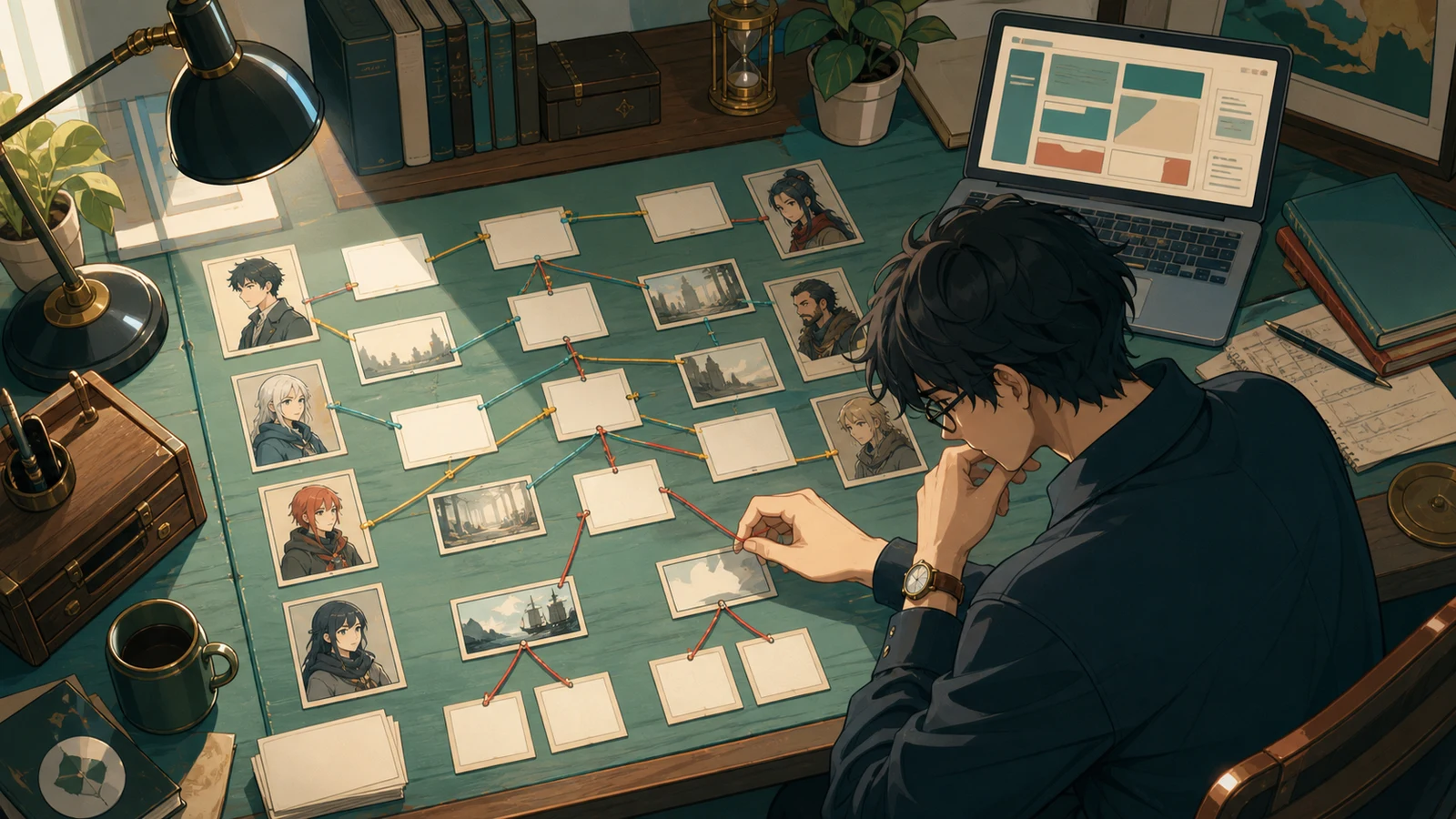
This short pass answers more than a tour video. You learn whether the script is visible as a sequence you can reason about, rather than hidden inside code. You also see whether a branch feels like part of the writing or like a separate technical system.
Next, select a block from later in the sample and look at the surrounding editor. You are not checking whether you like the sample story. You are checking whether you can tell where its character, background, and flow come from. A demo is most useful when you judge the tool, not the taste of the person who prepared the example.
Preview from the point you are inspecting
Reading blocks is only half the test. A visual novel editor also needs to show you what those blocks become for a player.
Run the preview after selecting a scene. Watch the transition into dialogue, the placement of the character and background, and the moment a choice appears. Continue through one branch. Then return to the script and find the block you just played.
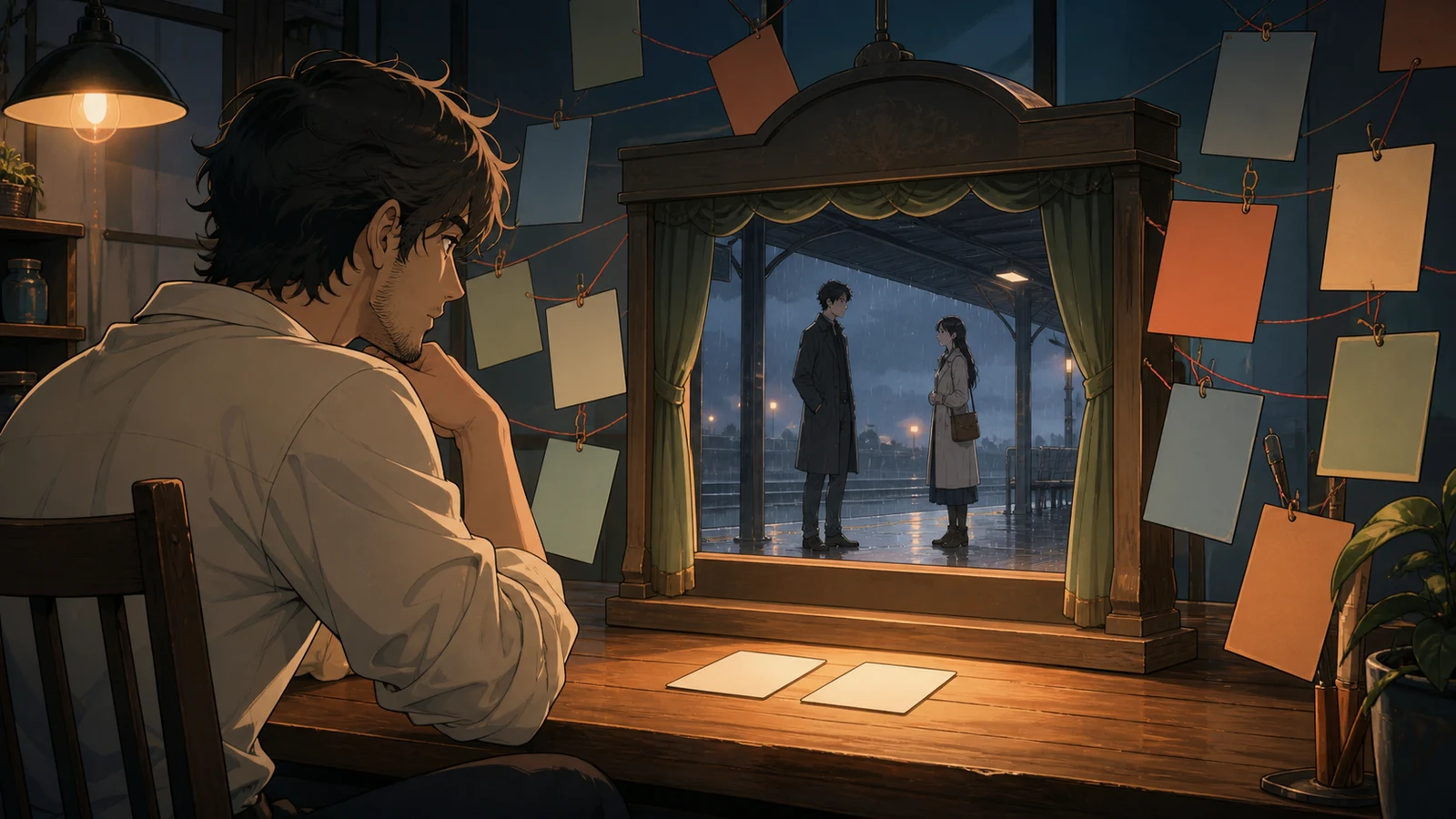
The important question is not whether the sample looks impressive. Ask whether you can move from editing to playing and back without losing your place. That loop is where most visual novel work happens. You change a line, check the result, adjust a branch, and play again.
Use the preview to test three practical details. Can you start close to the scene you care about? Can you recognize which script block produced what you saw? Can you follow a choice to the expected next moment? If those answers are clear in a project you did not build, the workflow will be easier to learn when the project is yours.
What can a guest inspect, and what stays locked?
Guest access is broad enough for observation. You can move around the editor, switch between the available views, inspect blocks, and preview the prepared game. Those actions do not alter the sample.
Creating is the boundary. If you try to change the script, delete a block, save, publish, or otherwise turn the sample into your own work, the editor opens an account prompt instead of writing the change. The prepared project stays intact, and your experiment does not pretend to be a saved project.
This also explains what the guest editor is not. It is not anonymous project storage, and it is not a place to paste a private manuscript temporarily. It does not promise that edits will remain after you leave. Use it to understand the workspace. Create an account only when you are ready to start a project that needs to be saved.
That separation is safer than a demo that quietly accepts work and asks for registration at the end. You know before typing personal material which side of the line you are on.
A ten-minute fit check
You can make the visit concrete with one short route.
First, open the guest editor and stay on Script. Follow one conversation until it reaches a choice. Second, inspect a later block and identify the scene ingredients around it. Third, preview from that area and play through one branch. Fourth, return to the script and locate the result. Finally, attempt one harmless edit so you can see exactly when the free-account boundary appears.
At the end, judge the workflow with your own project in mind. Could you picture where your opening scene would go? Does a choice look editable rather than mysterious? Can you check a late scene without replaying everything from the beginning? Do the assets and story remain connected enough that you would know what to fix?
The guest editor cannot tell you whether every feature will fit a full production. It can answer the earlier and more useful question: does the basic edit, preview, revise loop make sense before you commit your draft to it?
Open the Novelez guest editor when you have ten quiet minutes and follow one branch rather than clicking every control. Which part would you want to test next with a project of your own: dialogue editing, branching, scene presentation, or publishing?