How Should You Format a Visual Novel Script Before You Build It?
July 23, 2026

You have a scene in your head. Two characters meet at a train platform, one of them lies, and the player must decide whether to call it out. You open a blank document—and suddenly the practical questions arrive.
Do you write it like a novel? A screenplay? A spreadsheet? Should every expression be marked? Where do choices go? And how do you keep a branch from turning the whole document into a maze?
Here’s the reassuring answer: there is no single official visual-novel script format. The useful format is the one that lets a writer, artist, editor, and engine understand the same scene without guessing. You do not need to write code before you are ready. You do need a few consistent fields.
Let’s build a format that stays readable from first draft to playable scene.
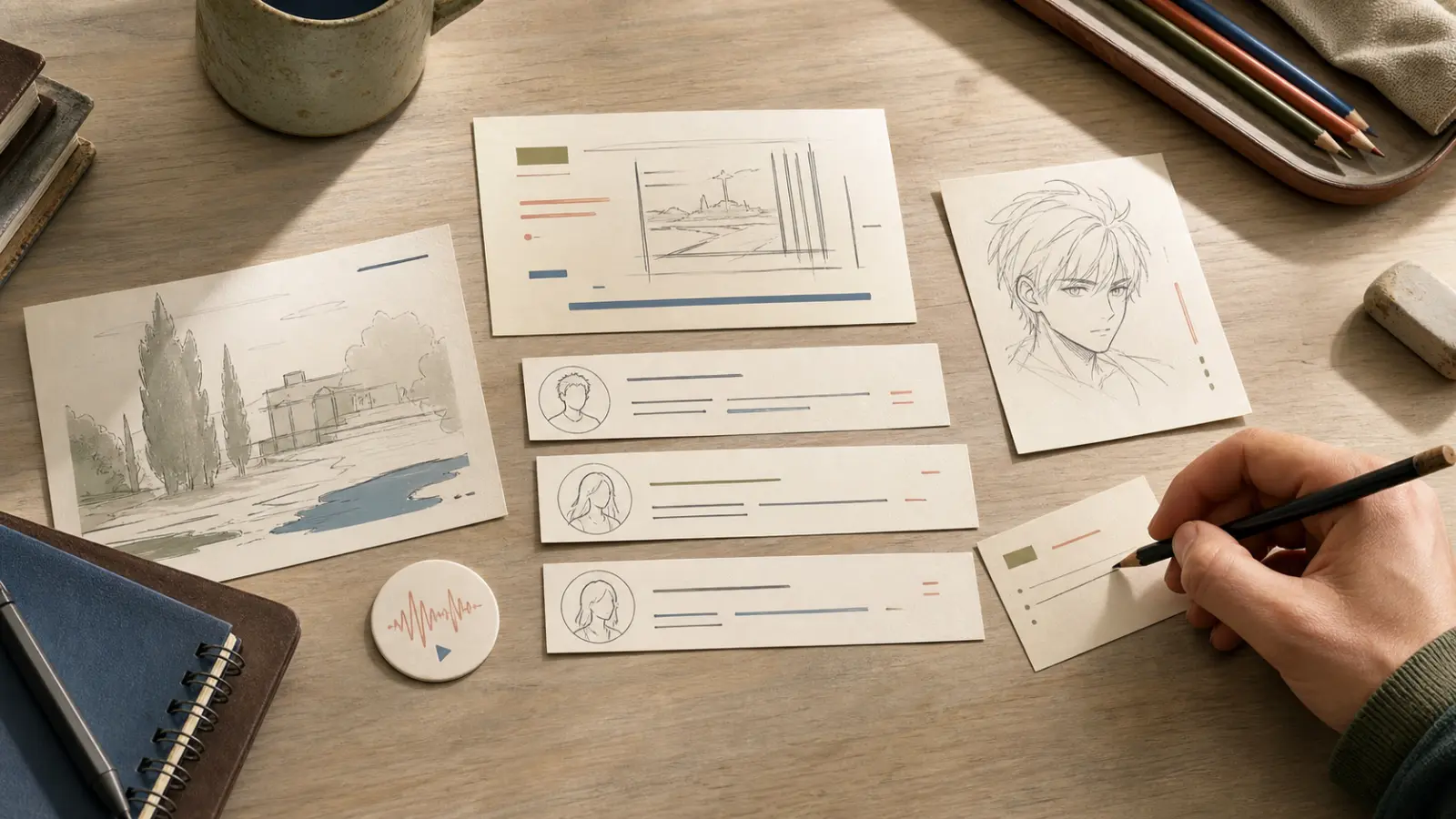
🧱 What belongs in one visual-novel scene?
A normal prose chapter can leave production details to the reader’s imagination. A visual-novel script eventually has to answer them. What background is visible? Who is on screen? Which expression should appear? Is this line spoken, narrated, or thought? Does music change here?
That does not mean every draft needs a wall of technical notation. Start each scene with a compact header:
Scene ID: CH01-S03
Location / time: Train platform / evening
Characters: Mina, Jae
Entry state: Mina is already on screen; rain ambience continues
Purpose: Jae hides the letter; the player chooses whether to confront him
Exit: Confront branch or silence branch
The scene ID matters more than it seems. “The platform scene” will become ambiguous as soon as your story has three platforms or a revised flashback. A stable ID gives writers, artists, translators, and testers one name for the same unit.
Then write the playable beats in the order the player experiences them:
[BG: Platform — Evening]
[SHOW: Mina / neutral / left]
Mina: You came early.
[SHOW: Jae / uneasy / right]
Jae: I didn’t want you waiting alone.
[NARRATION] His hand stays inside his coat pocket.
[CHOICE] Ask about the letter. / Say nothing.
You can change the exact labels. The consistency is what matters. If [SHOW] means a character appearance in one scene, do not use it for a camera move in the next.
🎭 How much direction should you put between lines?
Writers often fall into one of two traps. One script contains only dialogue, leaving the implementer to invent every expression and transition. Another marks every blink, pause, sound, and pixel movement until the story becomes hard to read.
Use direction when it changes the player’s understanding or creates a production task.
Useful directions include:
- a character entering, leaving, or changing expression;
- a background, time, or weather change;
- a sound that carries story information;
- a pause, shake, or camera move that changes the emotional beat;
- an asset that must be created or licensed;
- a state change the story must remember later.
You usually do not need to direct ordinary breathing, every tiny glance, or the exact duration of a pause in the first writing pass. Mark the important beat—[PAUSE: Jae decides whether to answer]—and refine timing in the playable preview.
The best script is not the most detailed document. It is the document with the least expensive ambiguity.
🌿 How should choices and branches be written?
Put a choice at the moment it appears, then give each option a stable branch label.

[CHOICE C01]
1️⃣ Ask about the letter → C01-CONFRONT
2️⃣ Say nothing → C01-SILENCE
Then write each branch separately:
[BRANCH C01-CONFRONT]
Mina: Is that the letter you said you burned?
[SET: mina_trust +1]
[BRANCH C01-SILENCE]
[NARRATION] Mina watches the next train arrive.
[SET: jae_secret +1]
[MERGE: CH01-S04]
This simple shape—choice, labeled branches, optional state changes, merge or exit—works in a document, a spreadsheet, a flow editor, or code. It also makes playtesting easier because a bug report can say “C01-SILENCE does not reach CH01-S04” instead of “the second answer near the station broke something.”
Do not paste both routes into one long paragraph with nested arrows. Once a branch lasts more than a few lines, give it its own labeled section. If it becomes a full scene, promote it to a new scene ID.
🧺 Where should asset notes and localization notes live?
Keep production notes close enough to find, but separate enough that dialogue remains readable.
At the end of each scene, add a small checklist:
Assets
- Background: platform evening, light rain
- Mina: neutral, suspicious
- Jae: uneasy, defensive
- Audio: rain loop, distant train, choice confirm
Localization / UI watch-outs
- Choice 1 must stay short enough for two lines on mobile
- “Burned” and “destroyed” must remain distinct in later evidence scene
- Character name spelling locked: Jae
This is more reliable than collecting every asset request at the end of a 100-page script. Artists can filter the work by scene, and translators can see why a particular word or choice length matters.
For teams, keep a separate master asset list as well. The scene checklist says where an asset is used; the master list says whether it exists, who owns it, and which version is approved.
🛠️ Should you write in a document, spreadsheet, or engine?
All three can work. Choose based on the problem you need to see.
A document is comfortable for long conversations, editing, comments, and voice. It is a good home for early scenes and linear chapters.
A spreadsheet is useful when you need sortable fields: scene ID, speaker, line, expression, background, branch, translation status, and implementation status. It becomes tiring for long prose, though.
A flow editor is strongest when the route shape matters. You can see where choices split, where paths merge, and whether an ending is stranded.
Writing directly in an engine shortens the distance to a playable test, but it can make early revision feel technical and may be uncomfortable for collaborators who do not work in code.
Many teams use a hybrid: write and review the scene in a friendly document, keep stable IDs and production fields, then move it into a visual flow or engine for timing and interaction.

🌱 Where Novelez fits
Novelez is useful at the handoff point between a readable story document and a playable branching structure. Its visual node editor and flow view give you a place to build scenes and check branch shape without reading code. The timeline and browser preview help you refine expressions, assets, pacing, and choice timing in the medium where the player will actually experience them.
You do not have to rewrite your creative draft as engine syntax first. A consistent scene header, clear speaker lines, labeled choices, and stable branch IDs give you a much cleaner starting point for building scenes in Novelez and reviewing them yourself.
✅ A copyable visual-novel script template
Use this as a starting point and remove any field your project genuinely does not need:
[SCENE ID / TITLE]
Location / time:
Characters:
Entry state:
Purpose:
Exit:
[BG / MUSIC / AMBIENCE]
[SHOW: Character / expression / position]
CHARACTER: Dialogue
[NARRATION or THOUGHT]: Text
[ACTION / TRANSITION]: Direction
[CHOICE ID]
1️⃣ Option → Branch ID
2️⃣ Option → Branch ID
[BRANCH ID]
Dialogue and direction
[SET / CHECK]: Story state
[MERGE / NEXT / END]: Destination
Assets:
Localization / UI notes:
Implementation notes:
QA path:
Before you hand the script off, ask whether another person can answer five things without messaging you: What does the player see? Who speaks? What changes? Where can the player choose? Where does each path go?
If the answer is yes, your script is ready to become more than a document. It is ready to become a scene someone can play. 🎬
July 23, 2026