Ending Block
Ending Block
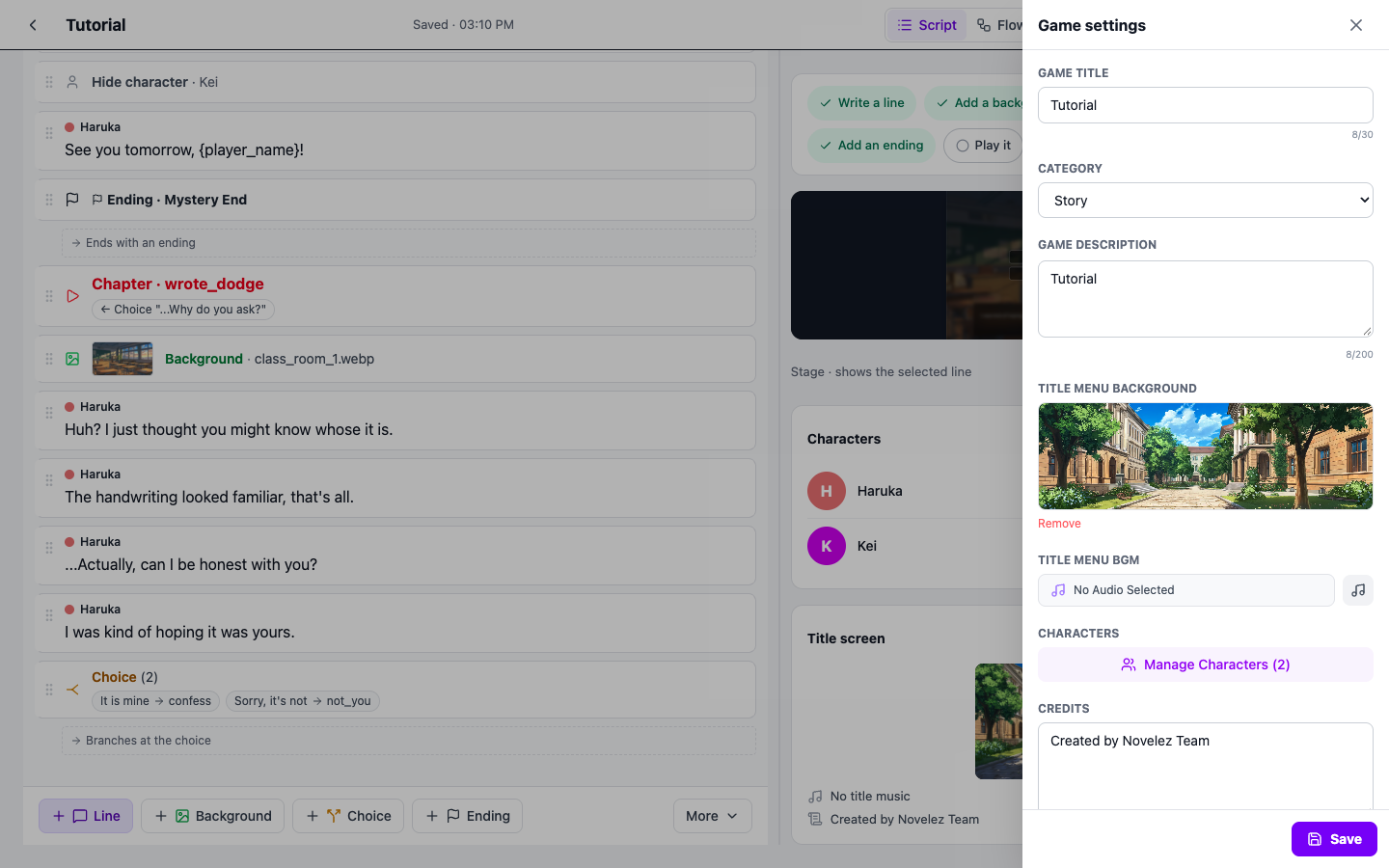
The Ending block marks where the game ends. When the player reaches this block, the game wraps up and transitions to an ending screen that combines an ending name, an ending credit image, and ending music.
Adding an Ending
- Select the last line of the branch (or story) that should end.
- Press [Ending] on the insert bar. An ending line appears right after the selected line.
- Click the ending line to open the details under the line, then set the name, image, and music.
The Add an ending chip on the Story progress card on the right adds an ending line too. An ending also counts toward the sharing requirement (at least 5 lines of dialogue plus a choice or an ending), so put at least one ending in any story you want to share.
Key Properties
- Ending Name (endingName) — The name of this ending (e.g., "Happy Ending", "Hidden Truth"). It appears on the ending screen and serves to distinguish multiple endings.
- Ending Credit Image (assetUrl) — An image used as the background of the ending screen. Pick it from the asset picker with the button on the image field. (Optional)
- Ending BGM (musicUrl) — Background music played on the ending screen. Pick it from the asset picker with the button on the music field. (Optional)
Usage Tips
- Every path needs an ending — No matter which branch the player follows, it must eventually reach an Ending block. A chapter with no Ending or Go to chapter at its end continues into the next chapter in the list, so check the line in the chapter-end strip ("Ends with an ending", etc.) to see where each branch stops.
- Give endings meaningful names — In multi-ending games, the name provides a sense of achievement. Pick names that immediately evoke which ending was reached.
- Combine with the credits in the Game settings panel — The credits in the Game settings panel are shared by every ending screen, while Ending-block properties are unique to each. Use both together to show shared credits alongside ending-specific details. Open the panel with [Settings] in the header; Credits is the last item.
- Designing multi-ending stories — Split the story with Choices and put a different Ending block at the end of each branch chapter to naturally build a multi-ending structure.