Ending Credits
Ending Credits
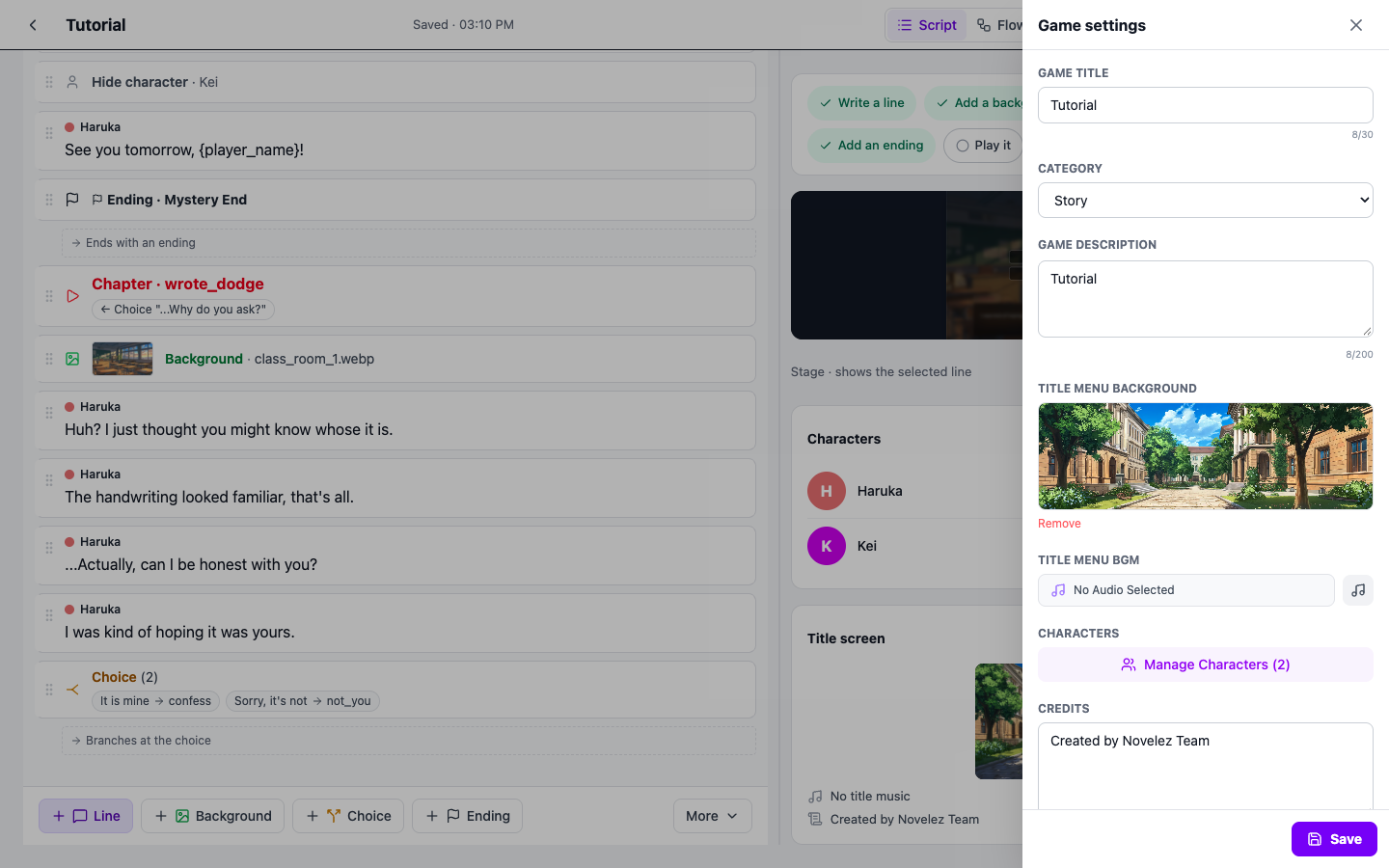
The last item in the Game settings panel, Credits, is where you enter the production information shown at the end of your game. Lists of contributors for production, illustration, music, and scenario, or thank-you messages, can all be placed here and will be shown naturally to the player on the ending screen.
The credits text is shared by every ending screen. Images and music that differ per ending are set in each Ending block's ending image and ending music fields.
How to Enter
Open the Game settings panel with the [Settings] button in the header and type directly into the Credits field at the bottom. Your text is saved automatically. The first line of your credits is also summarized on the Title screen card on the right. Multi-line input is supported and there is no character limit. The content is displayed as-is on every ending screen, so use line breaks and separators to keep it readable.
Example
Production
Jane Doe

Illustration
John Smith

Music
Alex Lee

Scenario
Sam Park

Assets Used
Novelez built-in asset library
Using separator lines or blank lines makes each section clearer.
Writing Tips
- Group by role — Splitting into Production / Illustration / Music / Scenario makes it easier to read.
- List external assets — If you used free or community-contributed assets, include their source. It is also a good way to stay compliant with license requirements.
- Include a thank-you — Beta testers, friends who gave feedback, family — a short mention is a nice touch.
- Use separators — Characters like
———help visually divide sections.
Why Fill in Credits
The ending credits are not just a formality — they are a way to cleanly wrap up your game. They deliver a "thank you for playing to the end" message to the player and give proper recognition to everyone who contributed. Even a short one is worth writing.
A Note About Your Content
The same principles apply to the credits text. If you used third-party assets, please follow the license's attribution requirements (author name, source link, and so on) exactly. Avoid listing names without permission, or crediting people who did not actually contribute.
End of Chapter
That concludes the Project Settings chapter. The next chapter moves on to the Script column on the left, where you will actually tell your story.